Skip to content

AI TikTok slideshow & UGC video generator

Turn your product photos into TikTok slideshows that sell.

Hookslide writes the hook, puts your real product into scroll stopping scenes, and exports the slides, a video and the caption for TikTok, Reels and Shorts.

A desktop app for Windows. Your library stays on your computer.
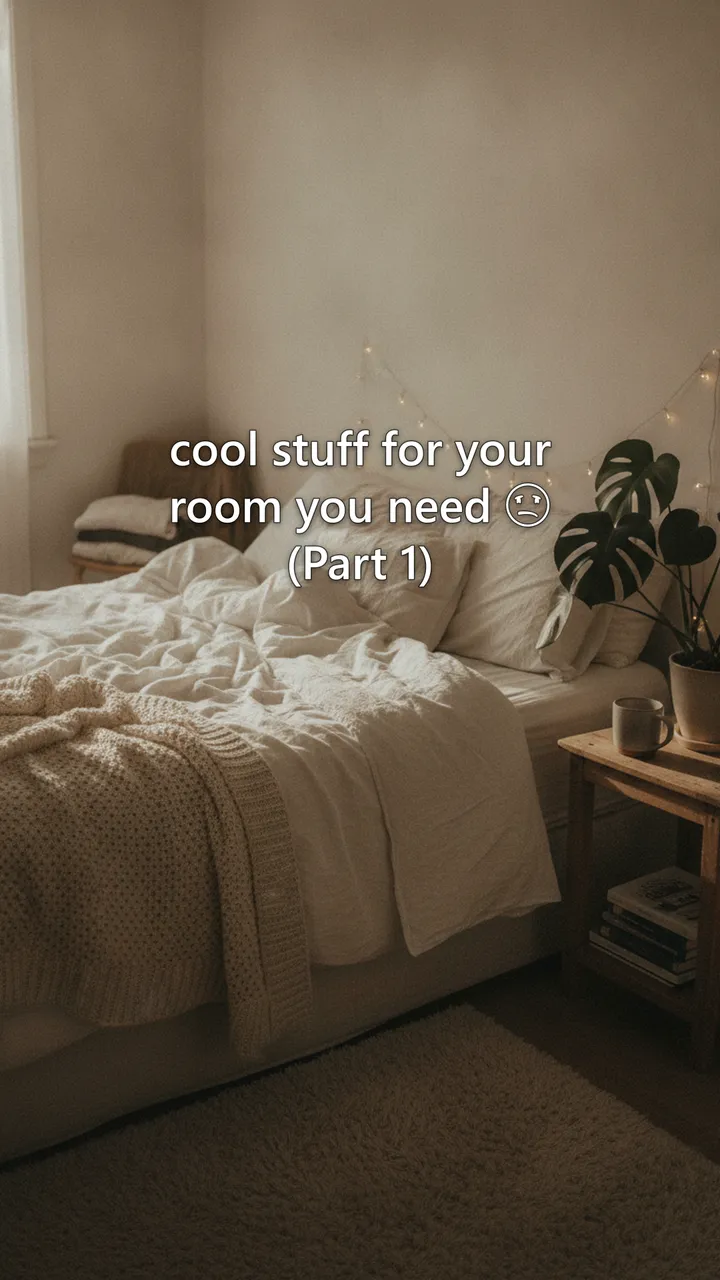
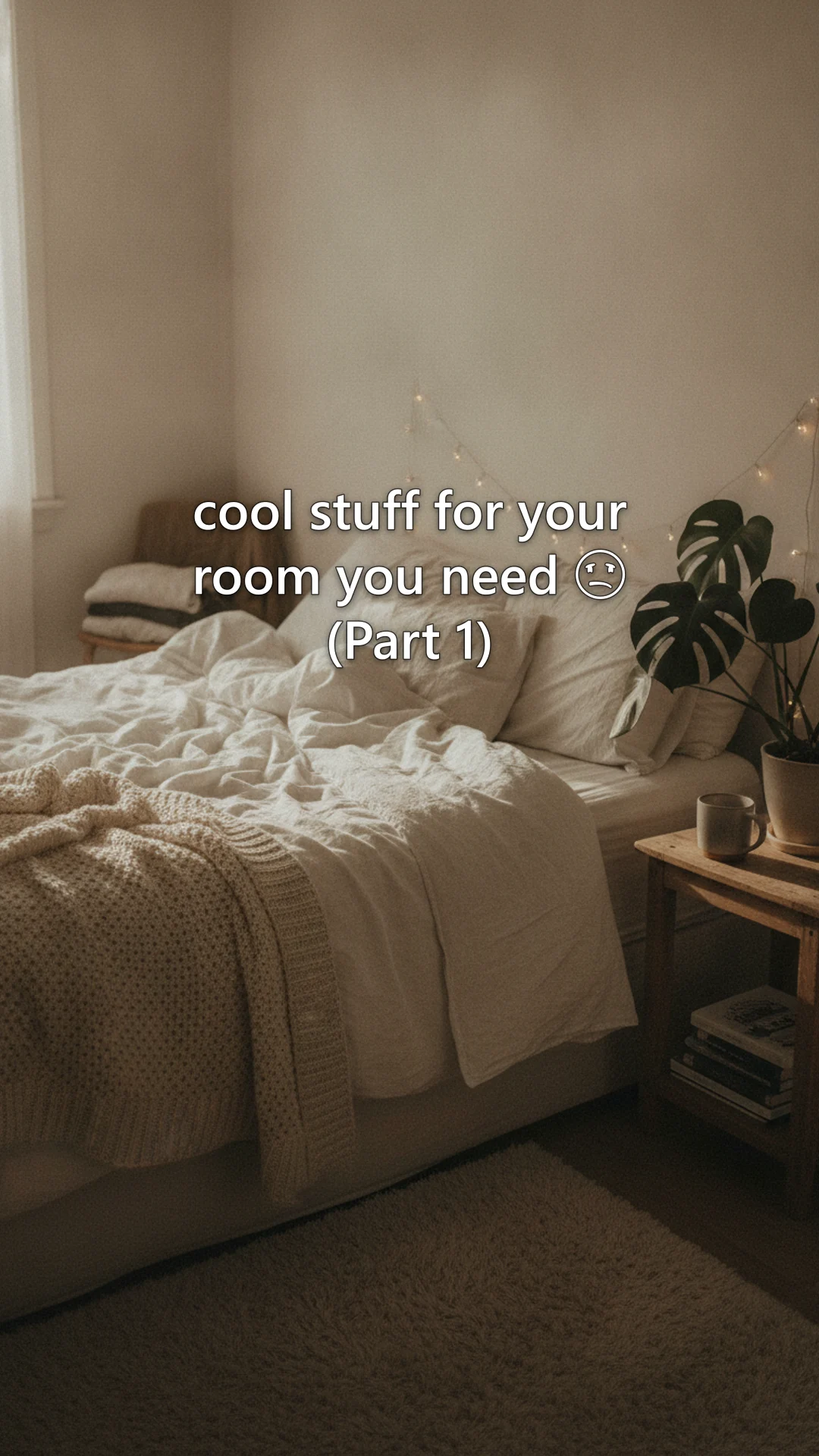
A cozy bedroom with fairy lights, caption: cool stuff for your room you need (Part 1)
First person view of a green paperback and a terrier in a mustard sweater, caption: my dog runs my schedule, not me. reading ten pages feels impossible.
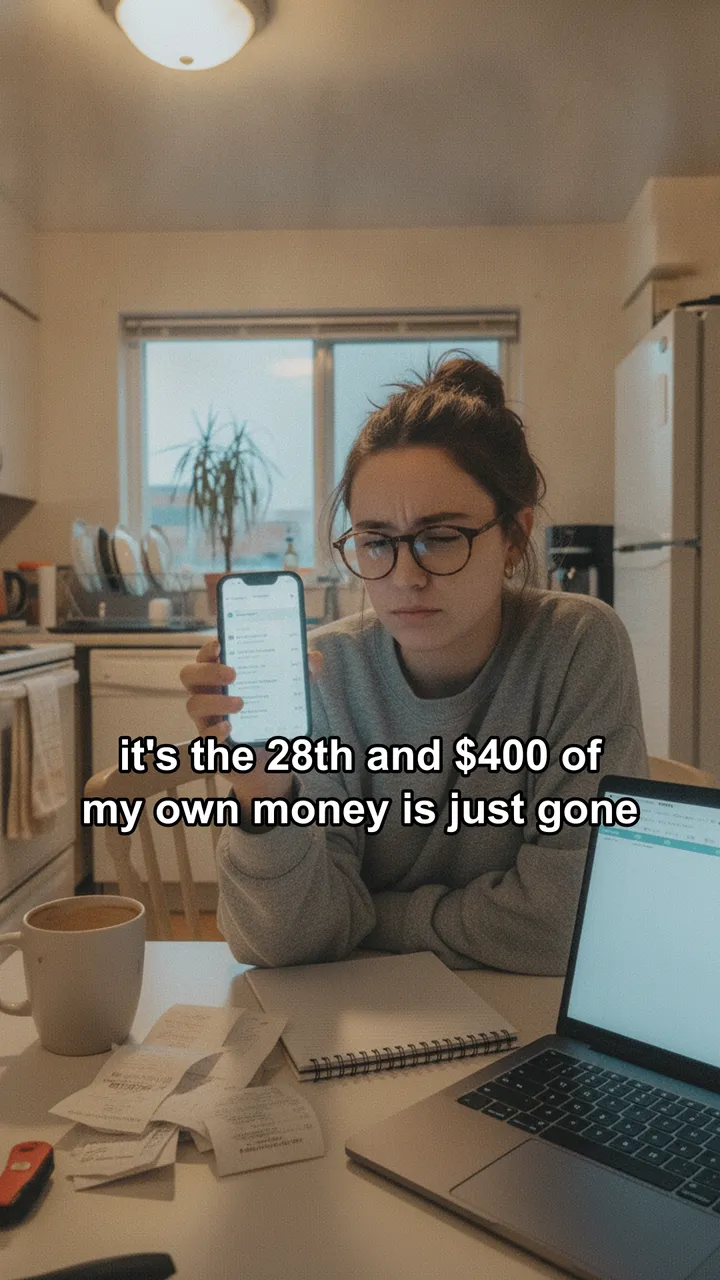
Slide 1: a woman at her kitchen table holding her phone, caption: it's the 28th and $400 of my own money is just gone

Every slide on this page was made by Hookslide.

Posting every day eats your week.

  • An afternoon per post

    Finding a hook, shooting, editing and writing the caption takes the hours you meant to spend on the product.
  • Consistency decides reach

    Short form feeds reward accounts that show up daily. Two quiet weeks and you are starting over.
  • Every account multiplies it

    TikTok, Reels and Shorts each want their own post, their own caption and their own timing.

Why organic

Ads stop when the budget does. Posts keep working.

Paid reach is rented by the thousand views. An organic post is yours: it can keep getting found through search and shares after the day you post it, and every one tests a hook before you spend a dollar boosting it.

Paid ads

  • You pay for every thousand views, roughly $4 to $13 on TikTok in 2026.
  • Reach ends the moment the budget does.
  • Creative wears out, so you keep paying for new ads and new tests.

Organic posts

  • A four slide post costs about 13¢ in images to make.
  • Posts stay up and can keep collecting views long after you publish.
  • Every post tests a hook for free. Put ad money only behind the winners.

What a month of views costs

Pick a monthly view target and an ad price. The posting side is 30 posts of four images each.

100,000
TikTok ad price per 1,000 views
Buying those views as ads
$916
every month, and it stops when you stop paying
Making 30 posts with Hookslide
$4.03
in Gemini images, and the posts stay up

Organic views are never guaranteed. This compares the cost of making posts with the cost of buying the same number of views. Ad price from WebFX 2026 benchmarks. Image cost is Google's price for Hookslide's default image model, Gemini 3.1 Flash Lite Image, about 3¢ each.

Ship it, then start posting

Building is the fast part now. The product you ship in week one gets better from real feedback. The one you polish for three months launches to nobody.

Keep polishing

  1. Week 1:
  2. Week 2:
  3. Week 3:
  4. Week 4:
  5. Week 5:
  6. Week 6:
  7. Week 7:
  8. Week 8:
  9. Week 9:
  10. Week 10:
  11. Week 11:
  12. Week 12:

Launch day: nobody has heard of it

Ship and post

  1. Week 1: ship
  2. Week 2: 2
  3. Week 3: 3
  4. Week 4: 4
  5. Week 5: 5
  6. Week 6: 6
  7. Week 7: 7
  8. Week 8: 8
  9. Week 9: 9
  10. Week 10: 10
  11. Week 11: 11
  12. Week 12: 12

Launch day: 77 posts live, 77 hooks tested

77 posts is one post a day for the eleven weeks after shipping.

For dropshippers

TikTok slideshows from your supplier photos

Add a product and a few supplier photos. Hookslide places your real item into scenes your buyer lives in, writes one short line per slide, and keeps the text clear of TikTok's buttons.
  • Your product, not a lookalike

    Mark each photo as a real proof slide, an AI reference, or both. Generated scenes copy the actual item.
  • Five templates that already sell

    DealListicle seriesOutfit inspoHero shotMood hook
  • See the cost before it runs

    Every batch shows how many images it will make and what they cost on your key. Real photo slides are free.
  • starting photos

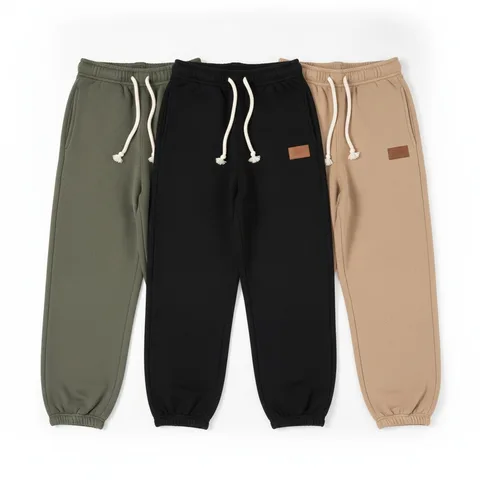
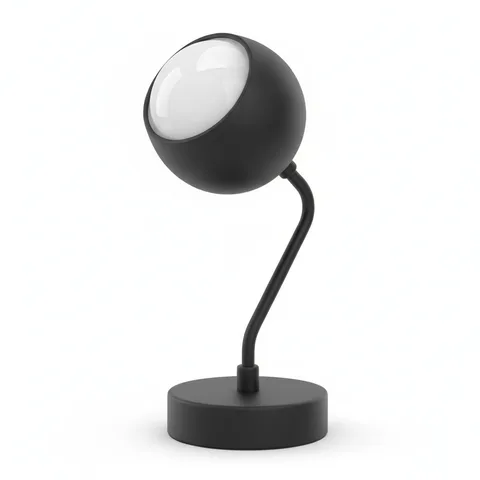
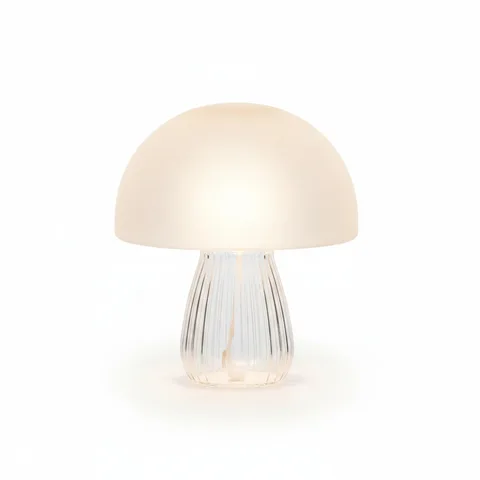
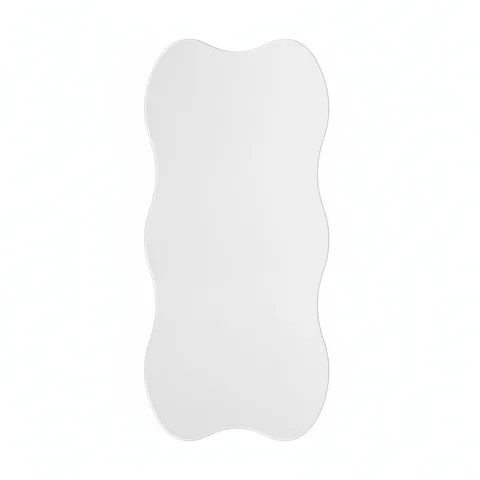
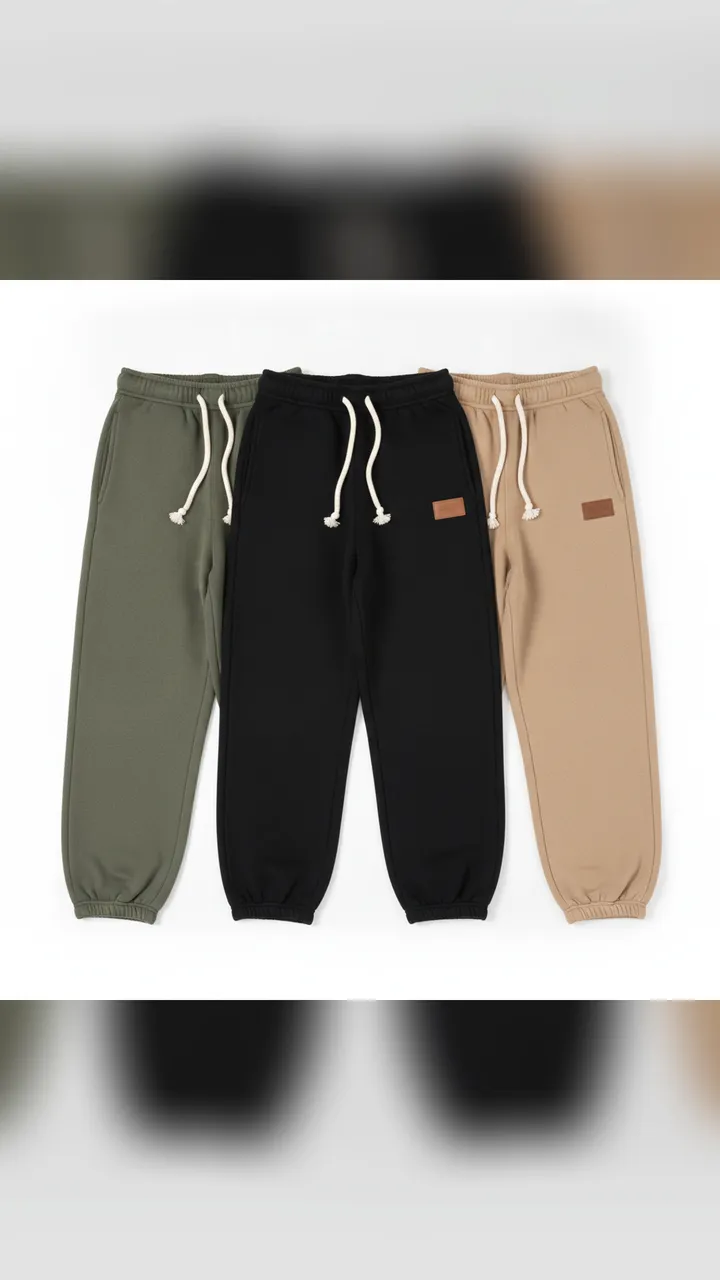
    Supplier photo of three pairs of sweatpants on whiteSupplier photo of a black sunset projection lamp on whiteSupplier photo of a glass mushroom lamp on whiteSupplier photo of a wavy frameless mirror on white

    The only inputs besides a few product details. Everything on the right was built from these.
Listicle series: one product per slide, numbered parts

A cozy bedroom with fairy lights, caption: cool stuff for your room you need (Part 1)
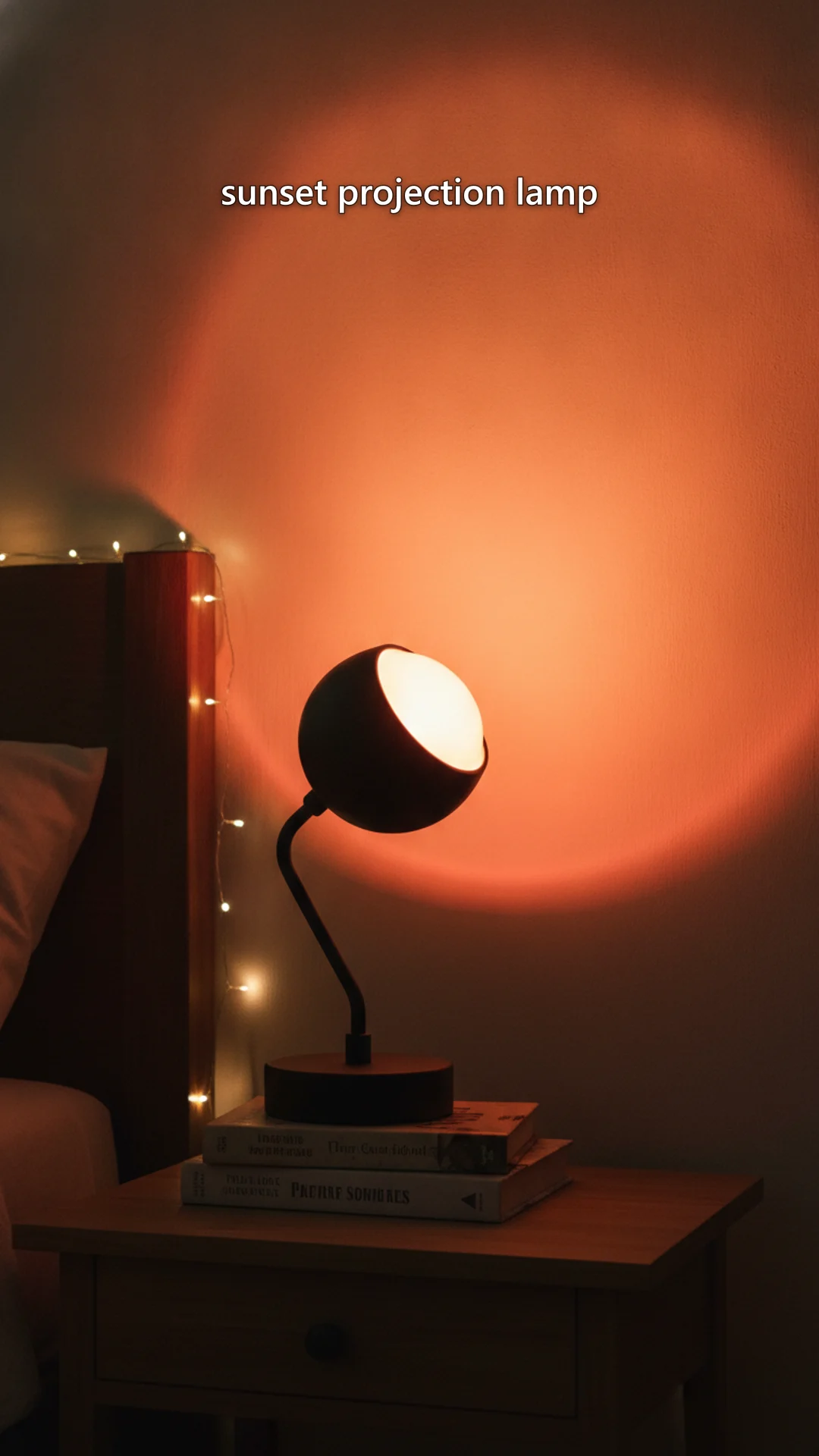
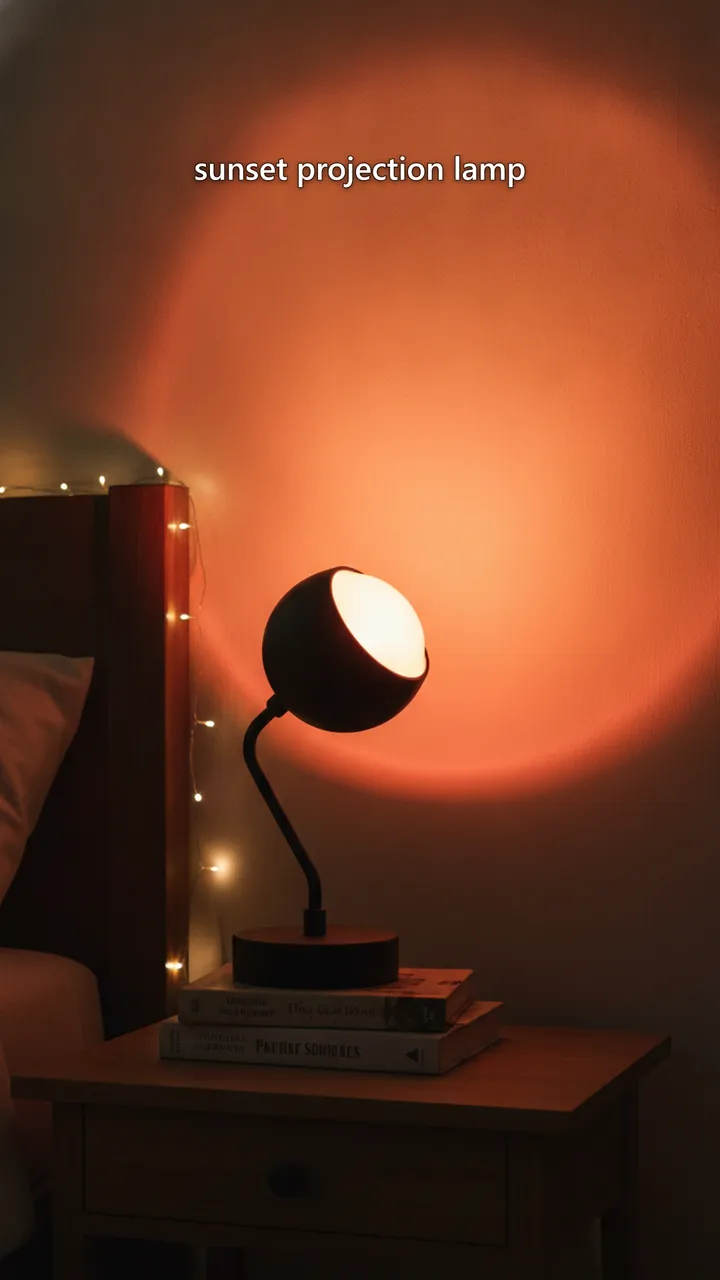
A black sunset projection lamp casting an orange glow on a bedroom wall, label: sunset projection lamp
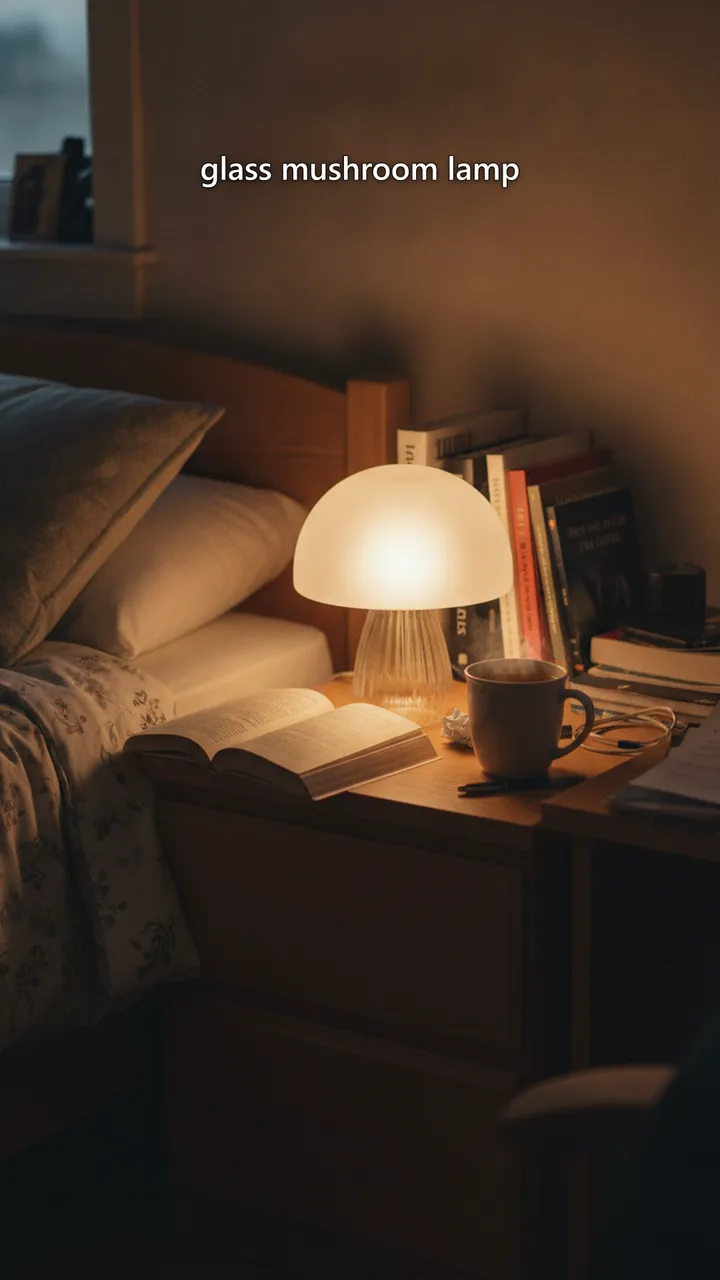
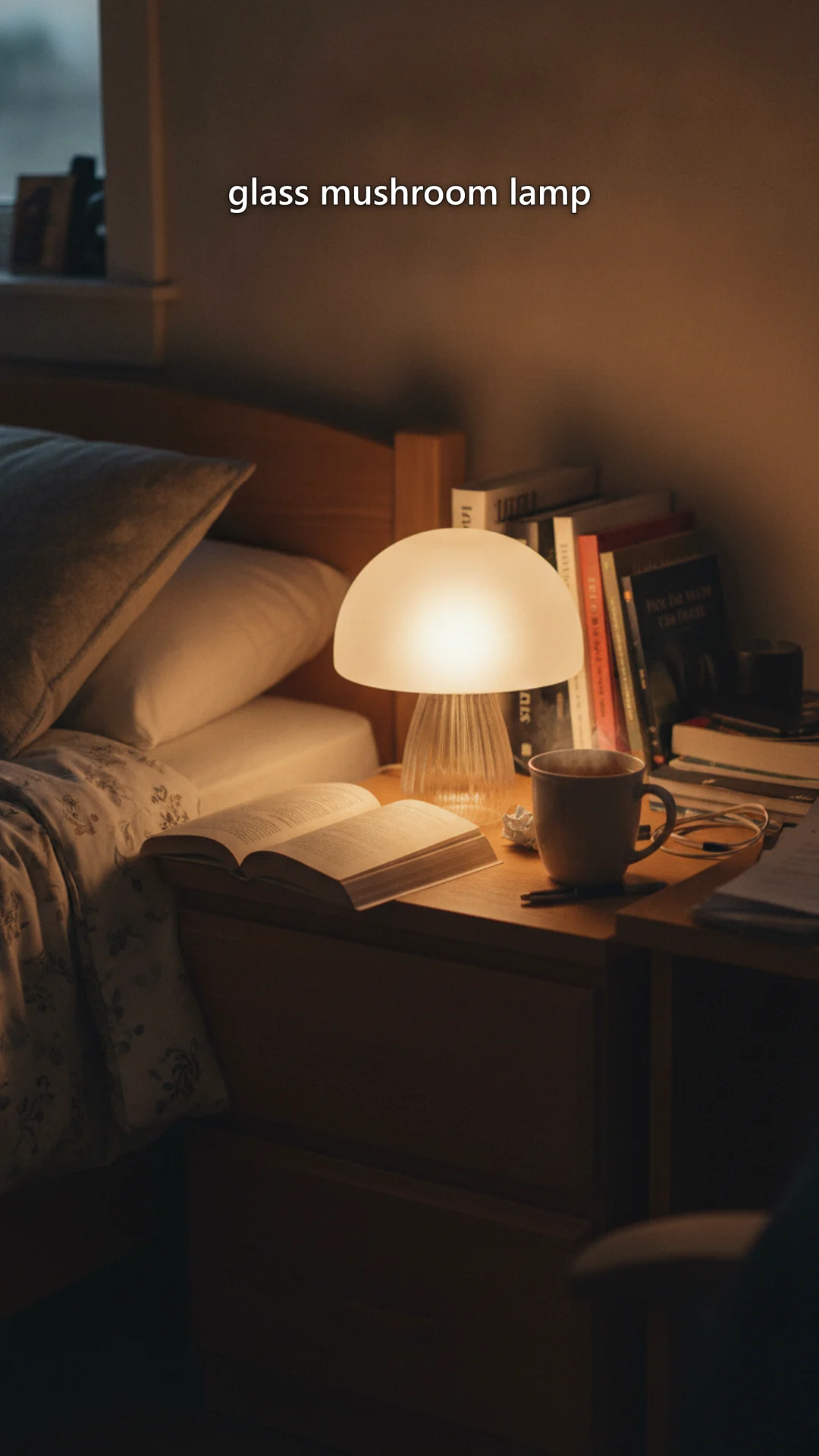
A frosted glass mushroom lamp glowing on a nightstand with a book and tea, label: glass mushroom lamp
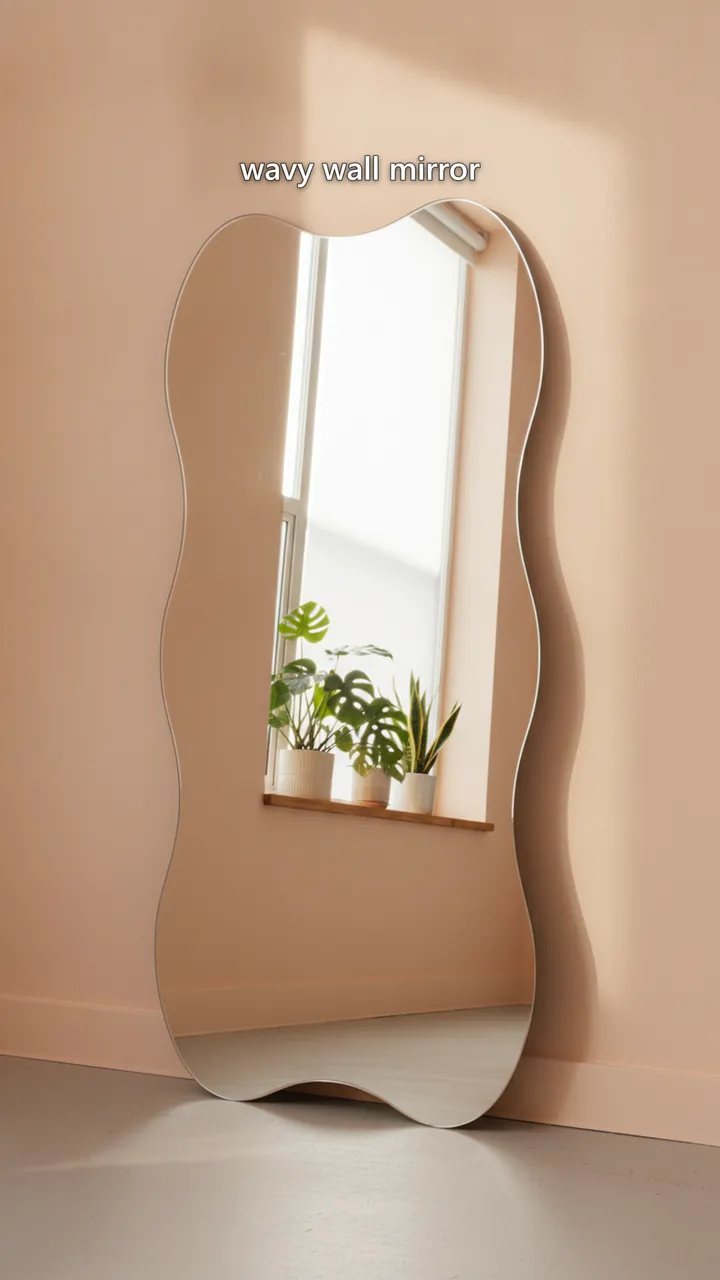
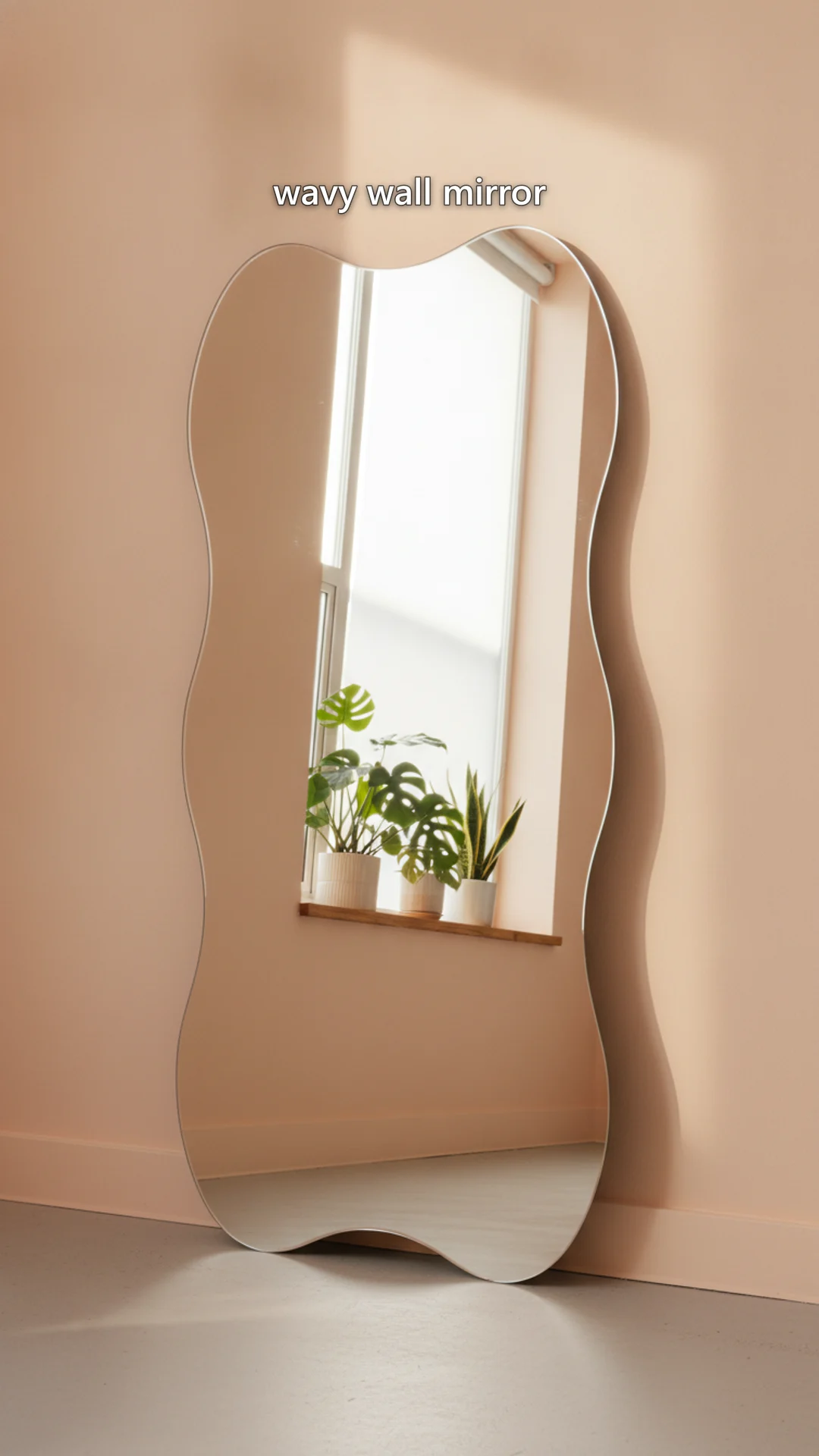
A tall wavy frameless mirror leaning on a pastel wall, label: wavy wall mirror

caption.txt

which one are you adding to your cart first? 👀 gotta make your space feel like you! #roomdecor #aesthetic #cozyvibes

Deal: a value hook, the product worn, and a real proof photo

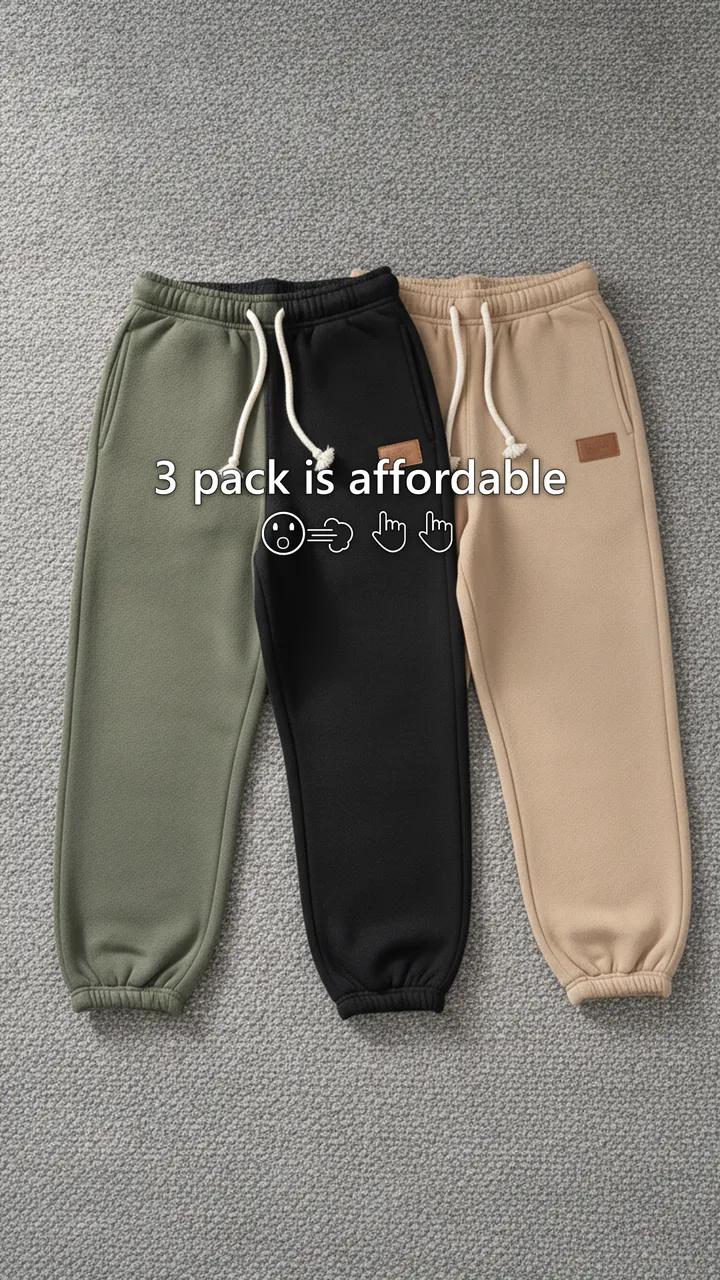
Olive, black and tan fleece sweatpants laid flat on a grey rug, caption: 3 pack is affordable
A young man walking a leafy city sidewalk in the black sweatpants, caption: comfy for city walks
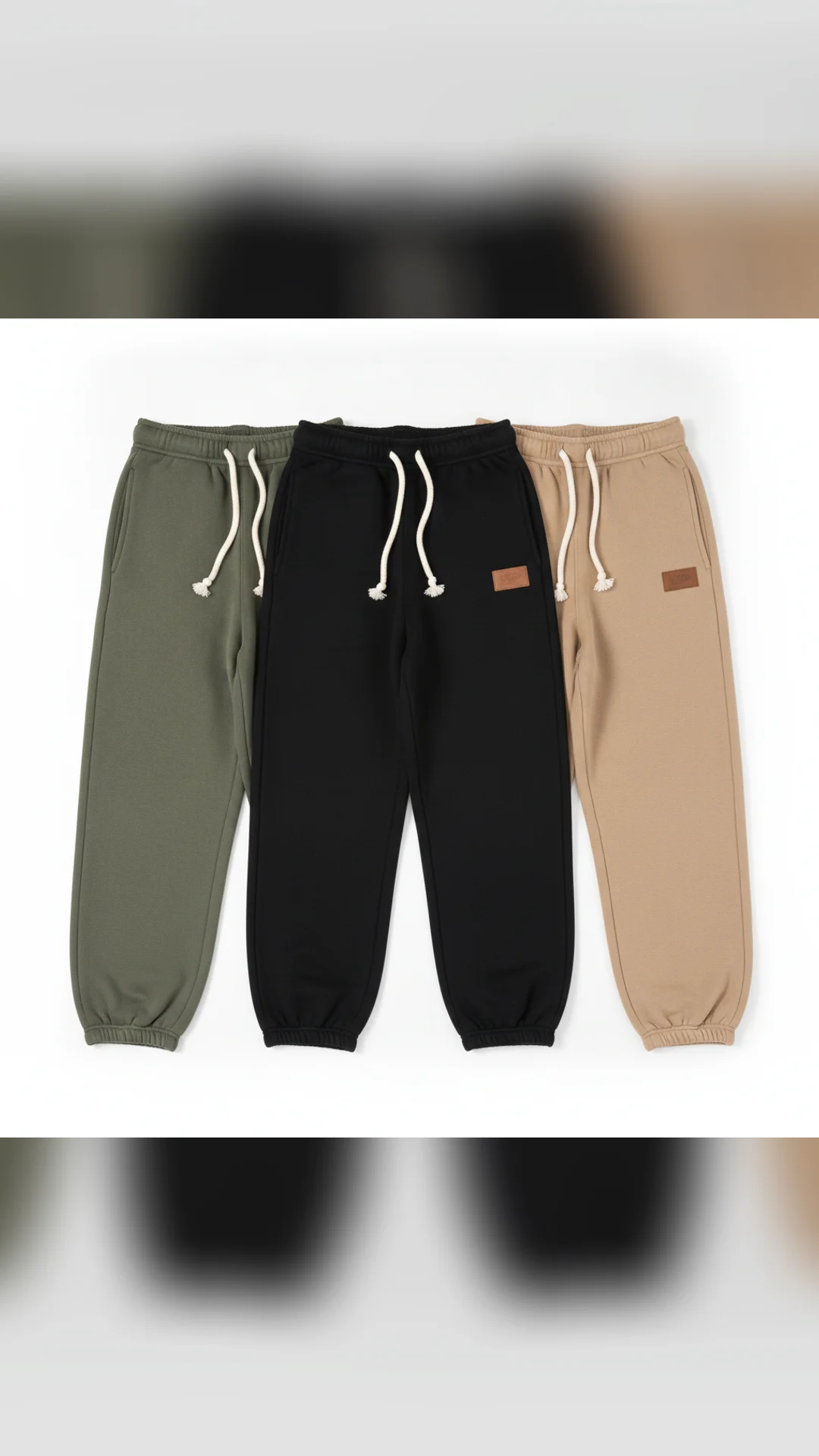
The supplier photo of all three pairs on a white background
A young man on a cabin porch in the olive sweatpants with a mug, caption: best link

caption.txt

fall fits ready? 🍂 these sweatpants are a must-have for cozy vibes. #cozystreetwear #fleecepants #mensfashion

Made by Hookslide. For this demo the starting product photos were generated too. With your store, you upload your real supplier photos.

For apps and SaaS

A slideshow series that markets your app

Paste your app's link. Hookslide reads the page, finds the problems your users say out loud, and builds a recurring character who lives them. Each post takes a new hook and leaves the story open, so people comment.

Story time: a first person series for a reading app

First person view of a green paperback and a terrier in a mustard sweater, caption: my dog runs my schedule, not me. reading ten pages feels impossible.
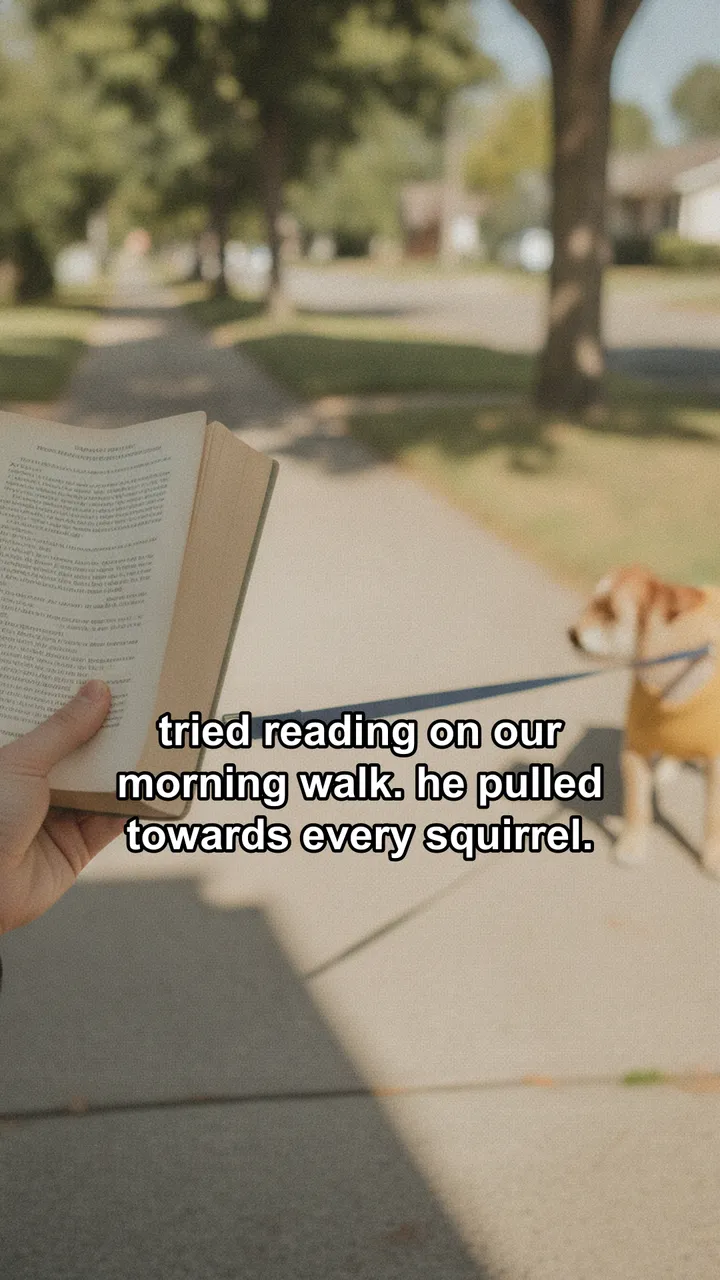
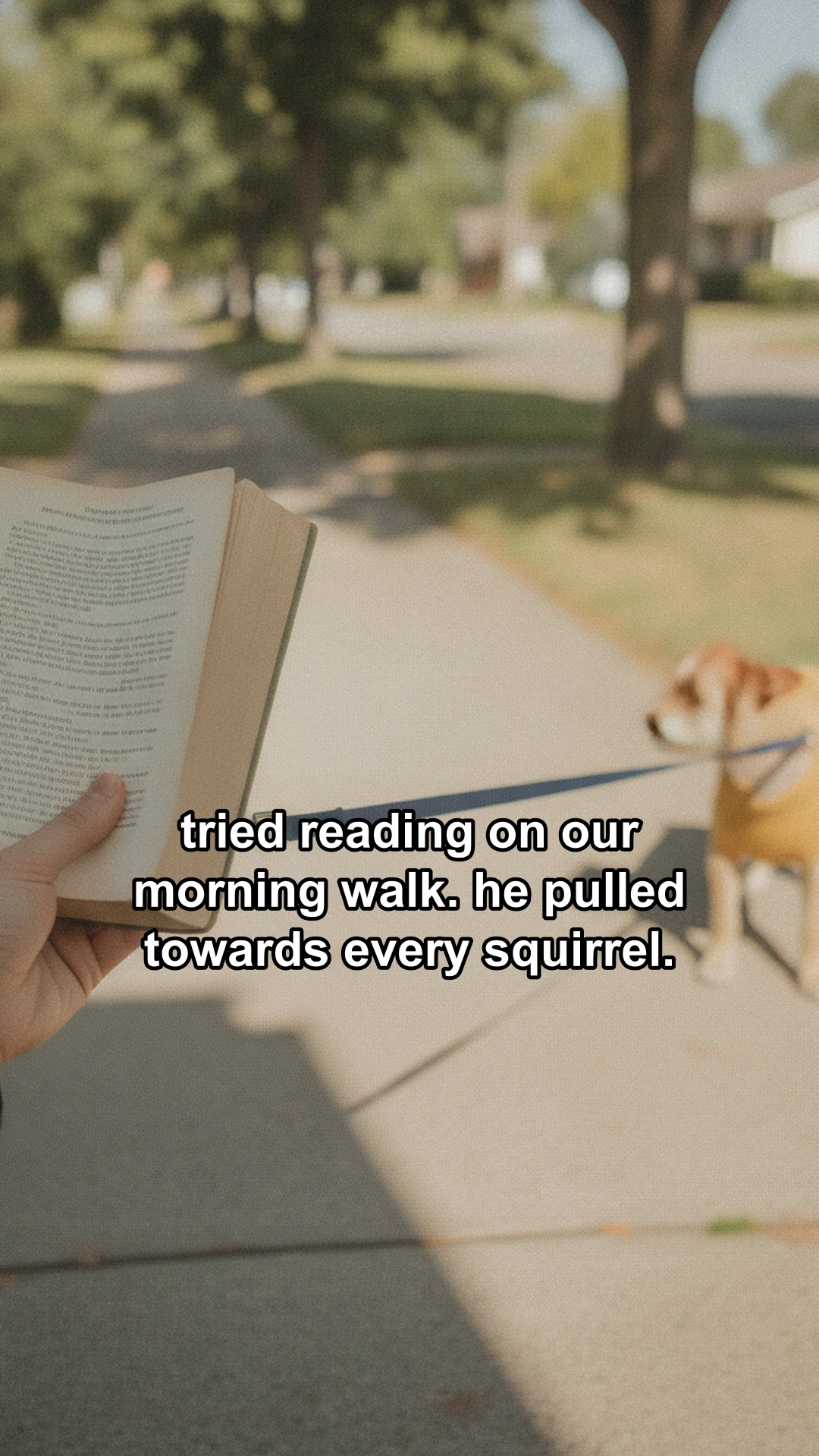
Walking the dog on a sidewalk with the book in hand, caption: tried reading on our morning walk. he pulled towards every squirrel.
The dog on the grass in front of a park bench, caption: settled on the park bench. then he needed to chase a ball. again.
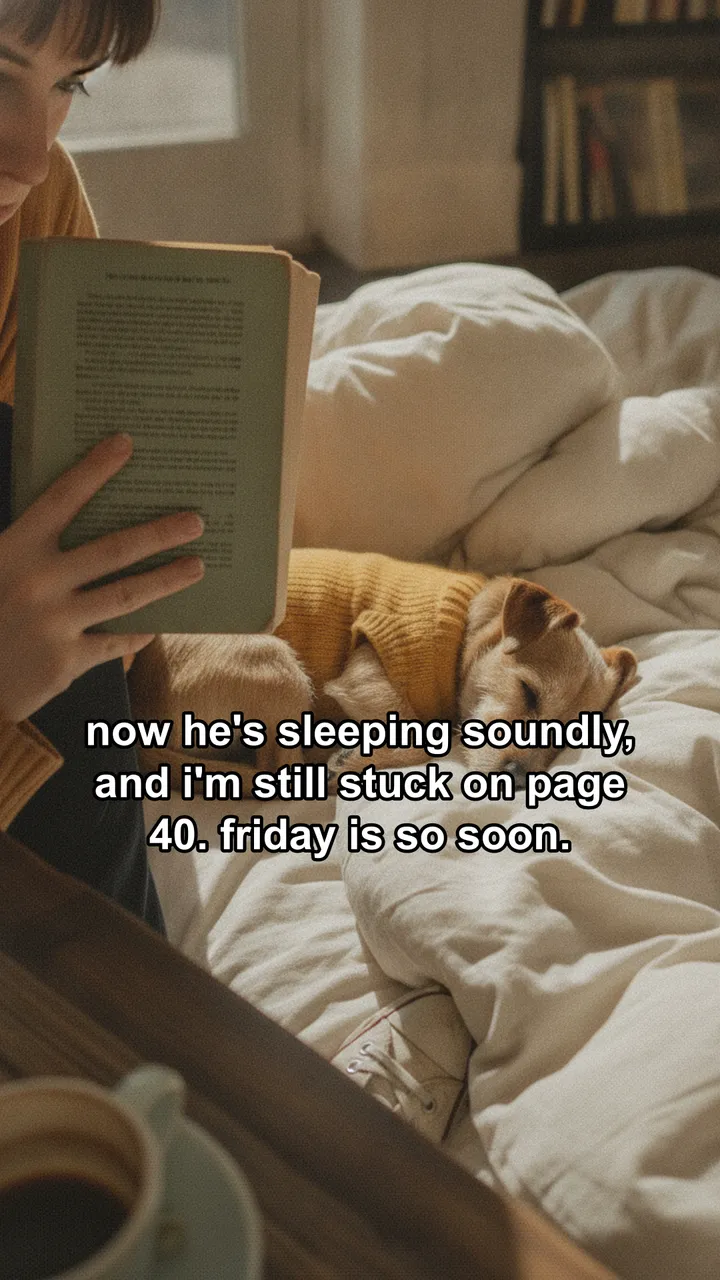
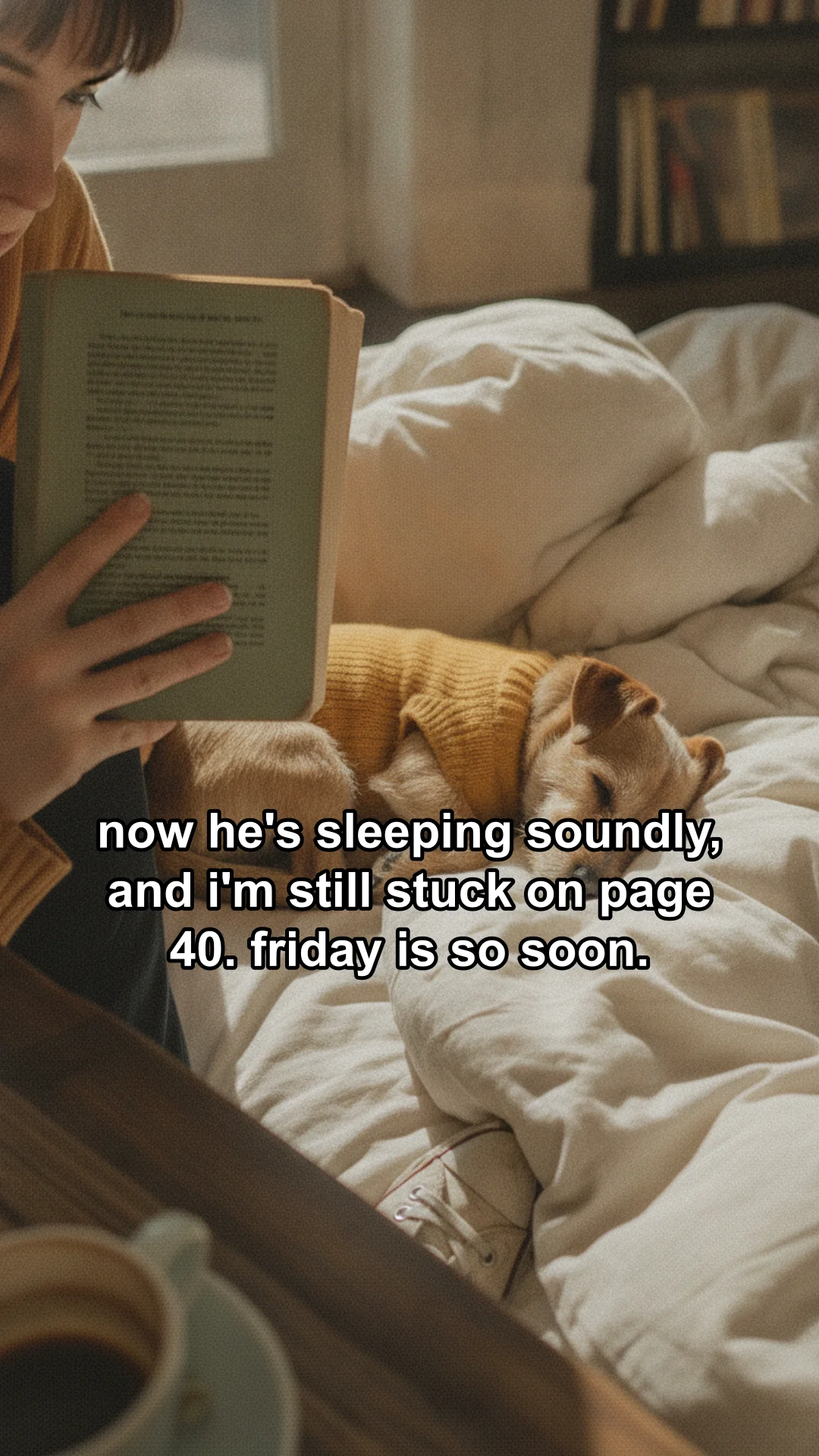
The dog asleep on a duvet next to the open book, caption: now he's sleeping soundly, and i'm still stuck on page 40. friday is so soon.

caption.txt

Every day I try to get my ten pages in, but it feels like a battle against the clock and my very enthusiastic terrier. I'm really trying to use the app in my bio to build a streak. How do you sneak in reading with a demanding dog? #readerstruggles #bookclubpanic

Open loop: the same character, a new hook every month

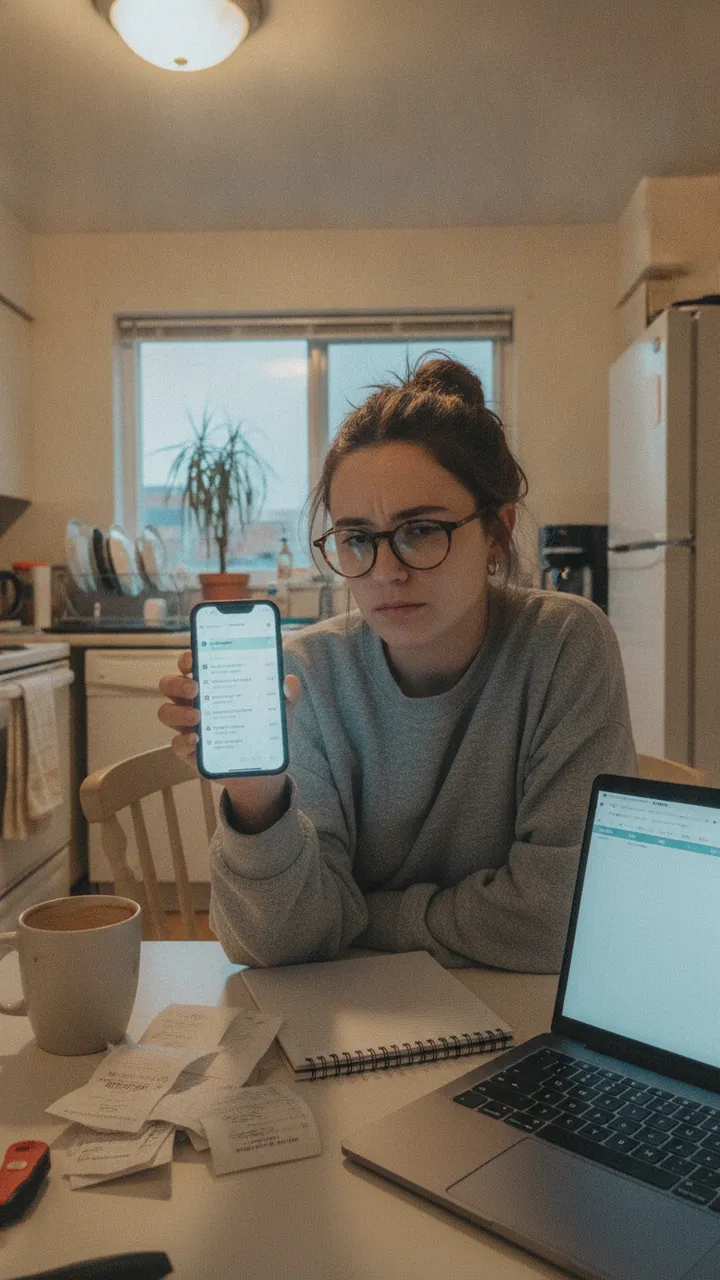
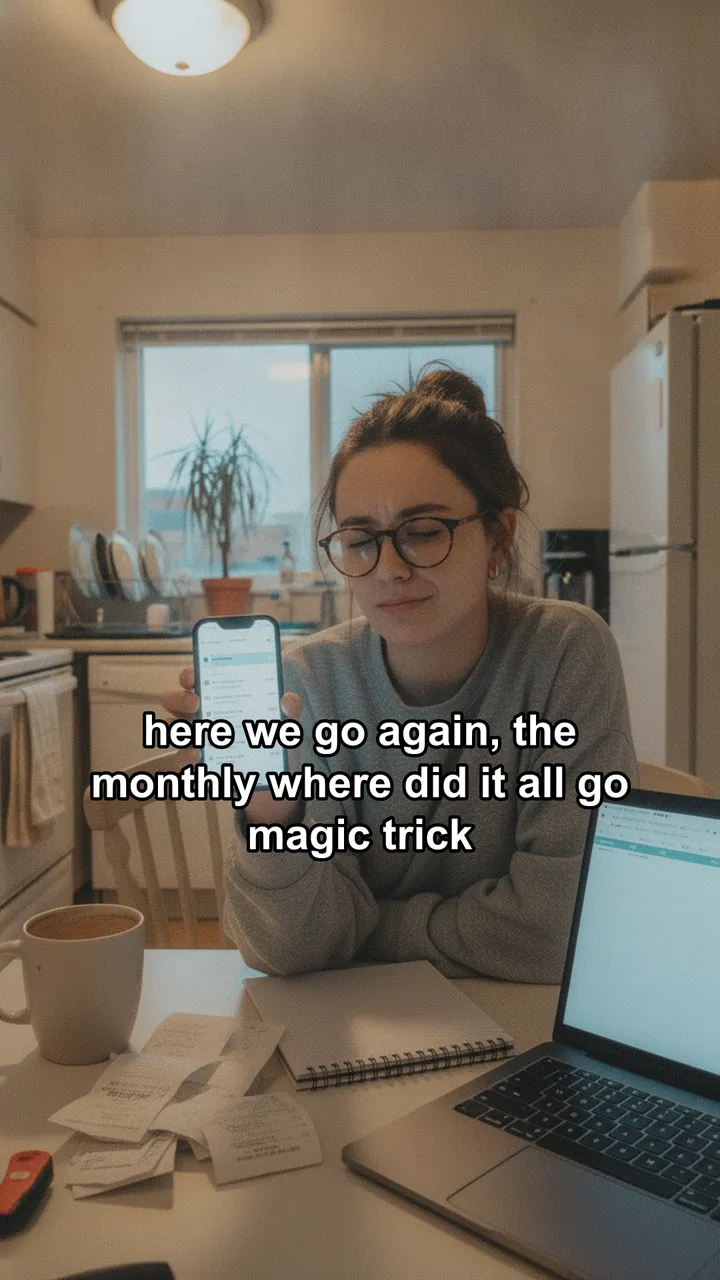
Dani at her kitchen table with her phone, caption: here we go again, the monthly where did it all go magic trick
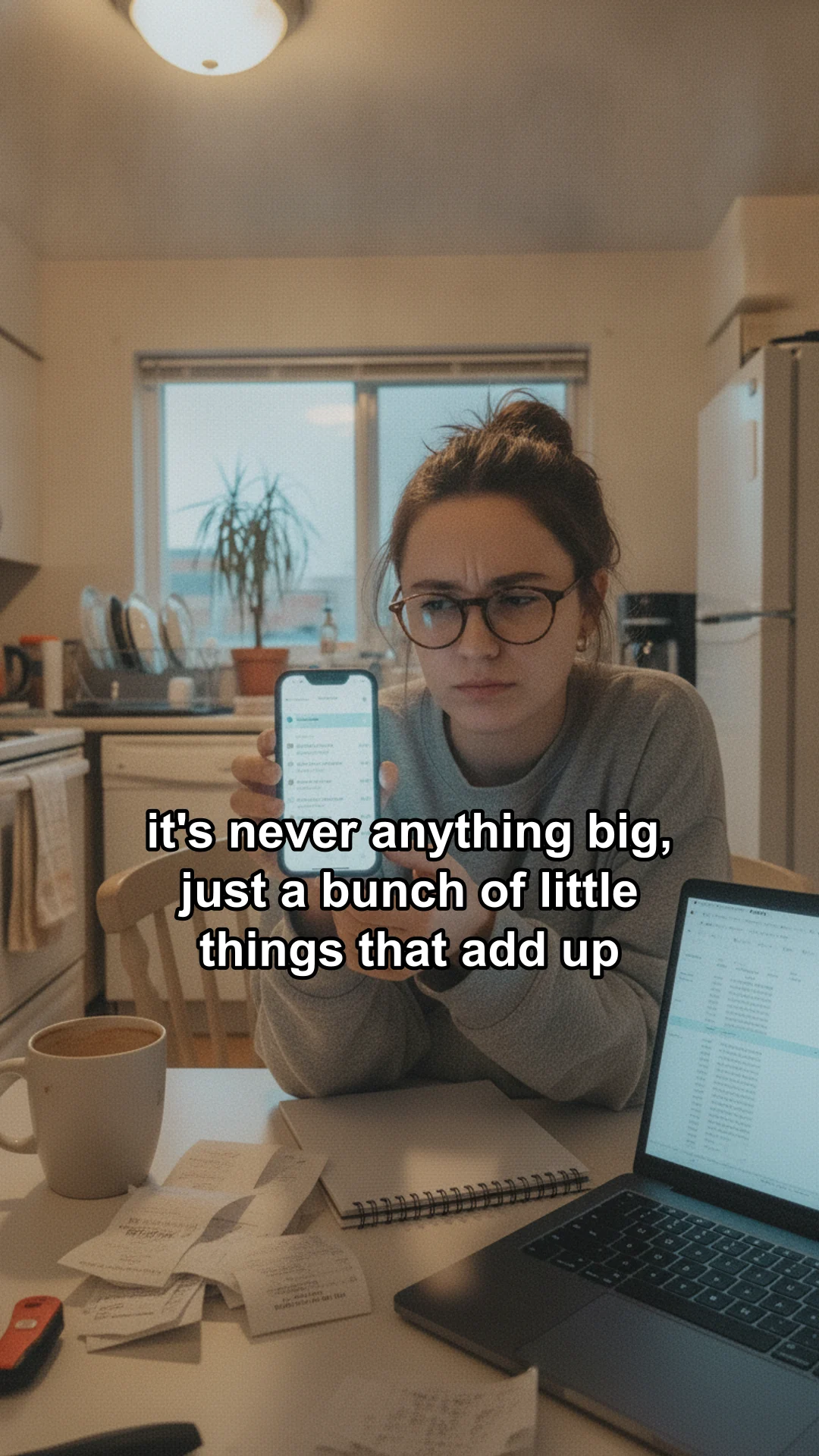
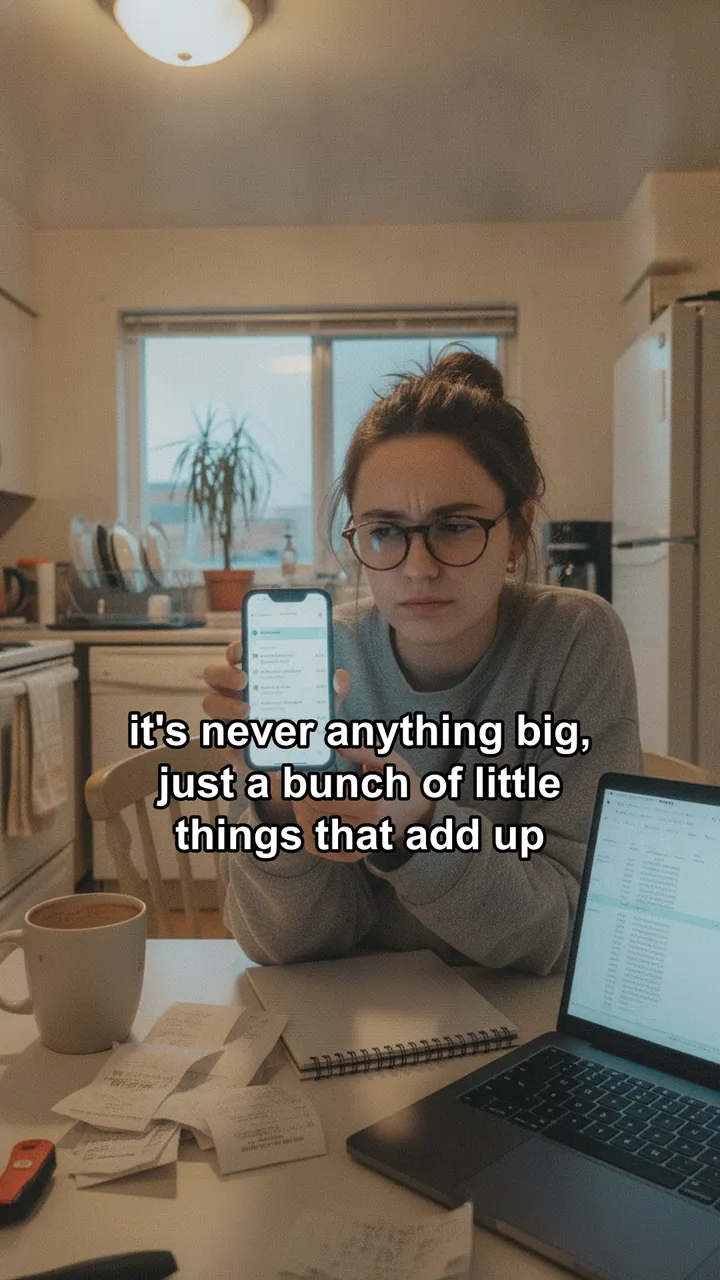
Dani zooming in on a transaction, caption: it's never anything big, just a bunch of little things that add up
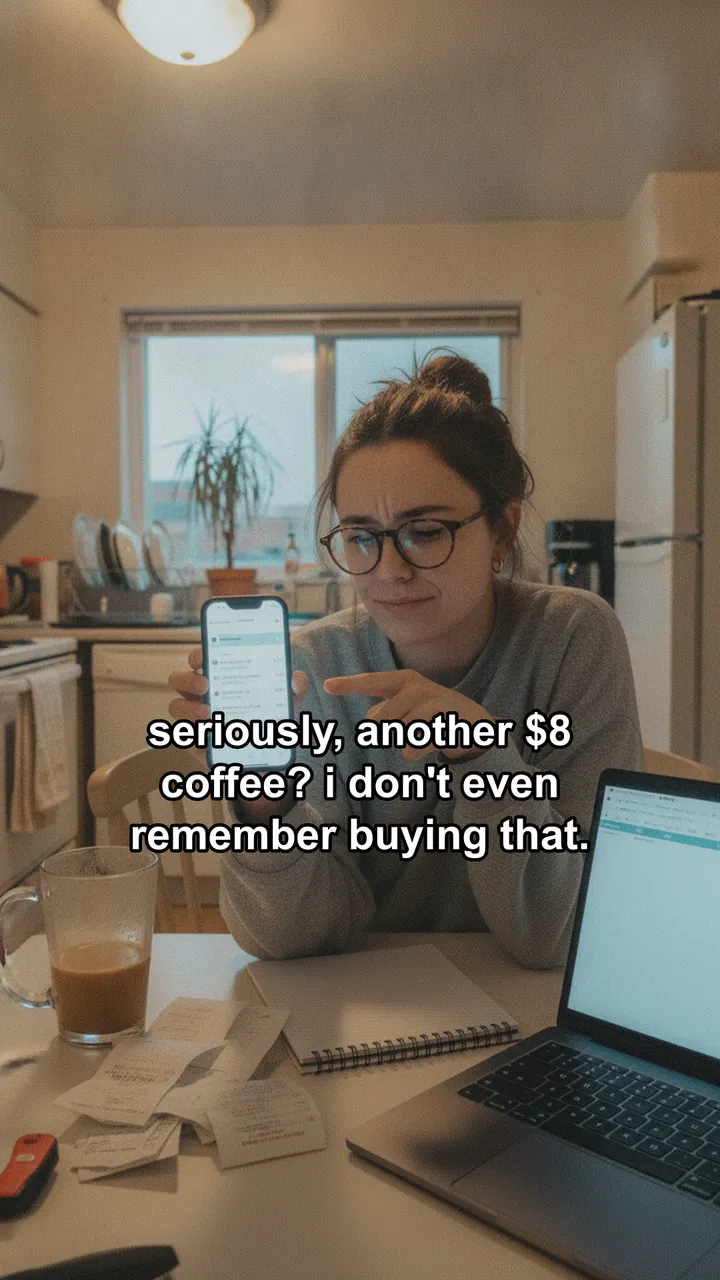
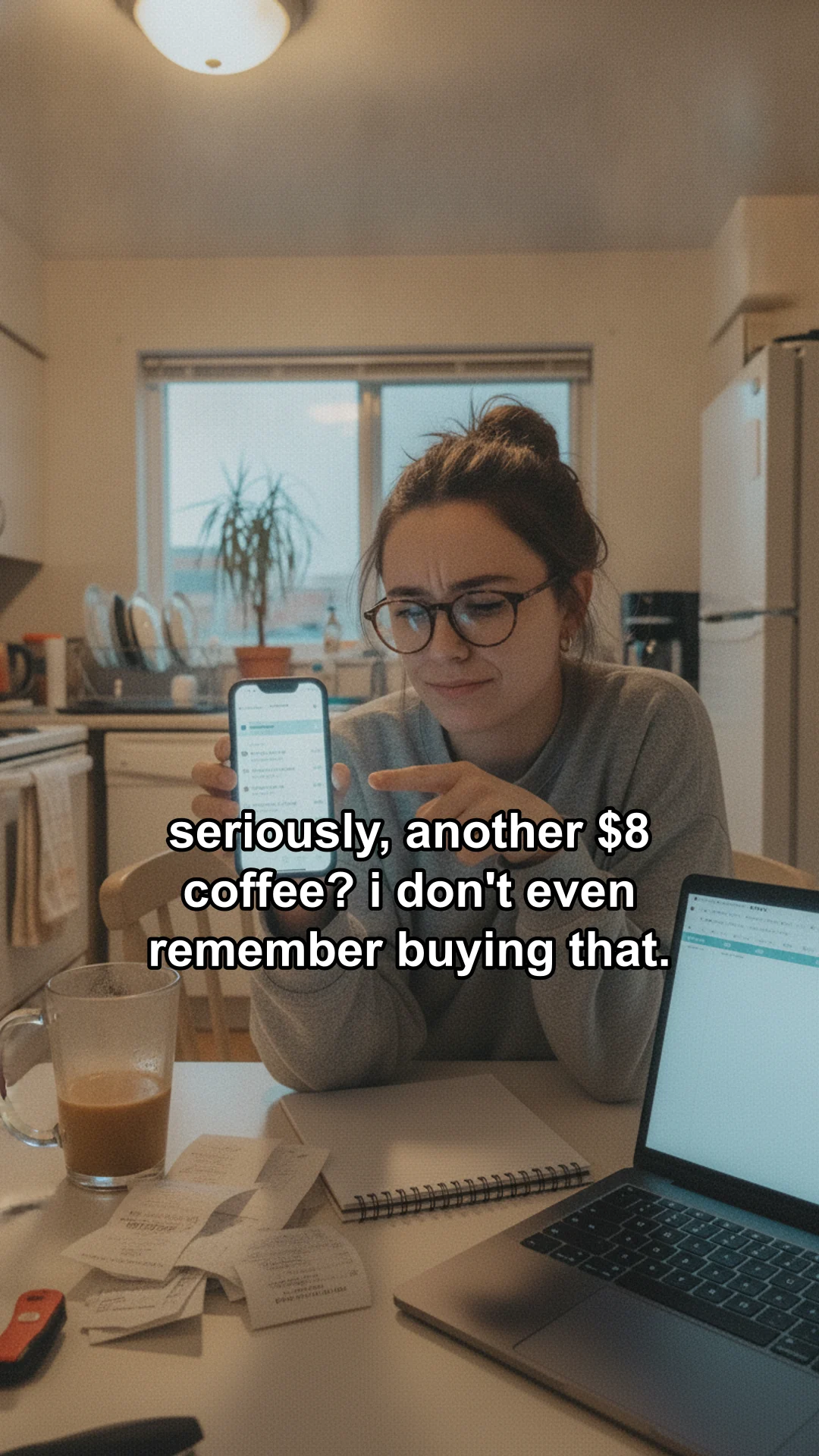
Dani pointing at her phone, caption: seriously, another $8 coffee? i don't even remember buying that.
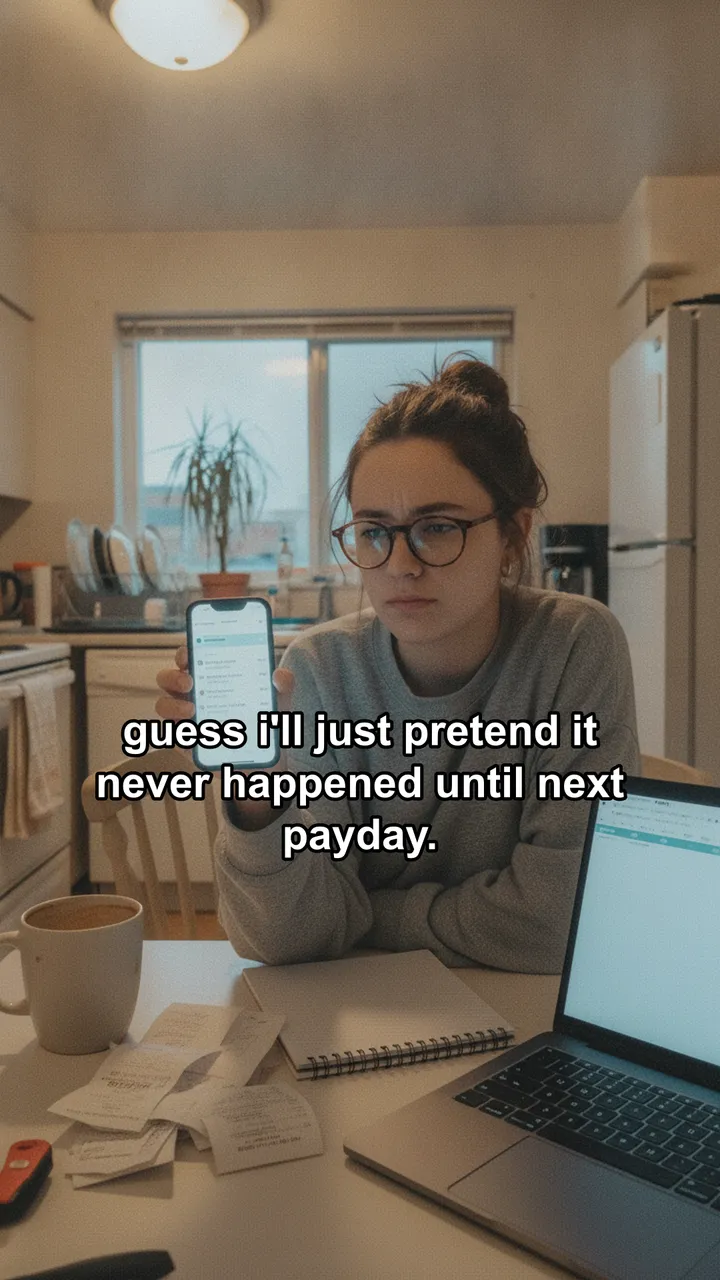
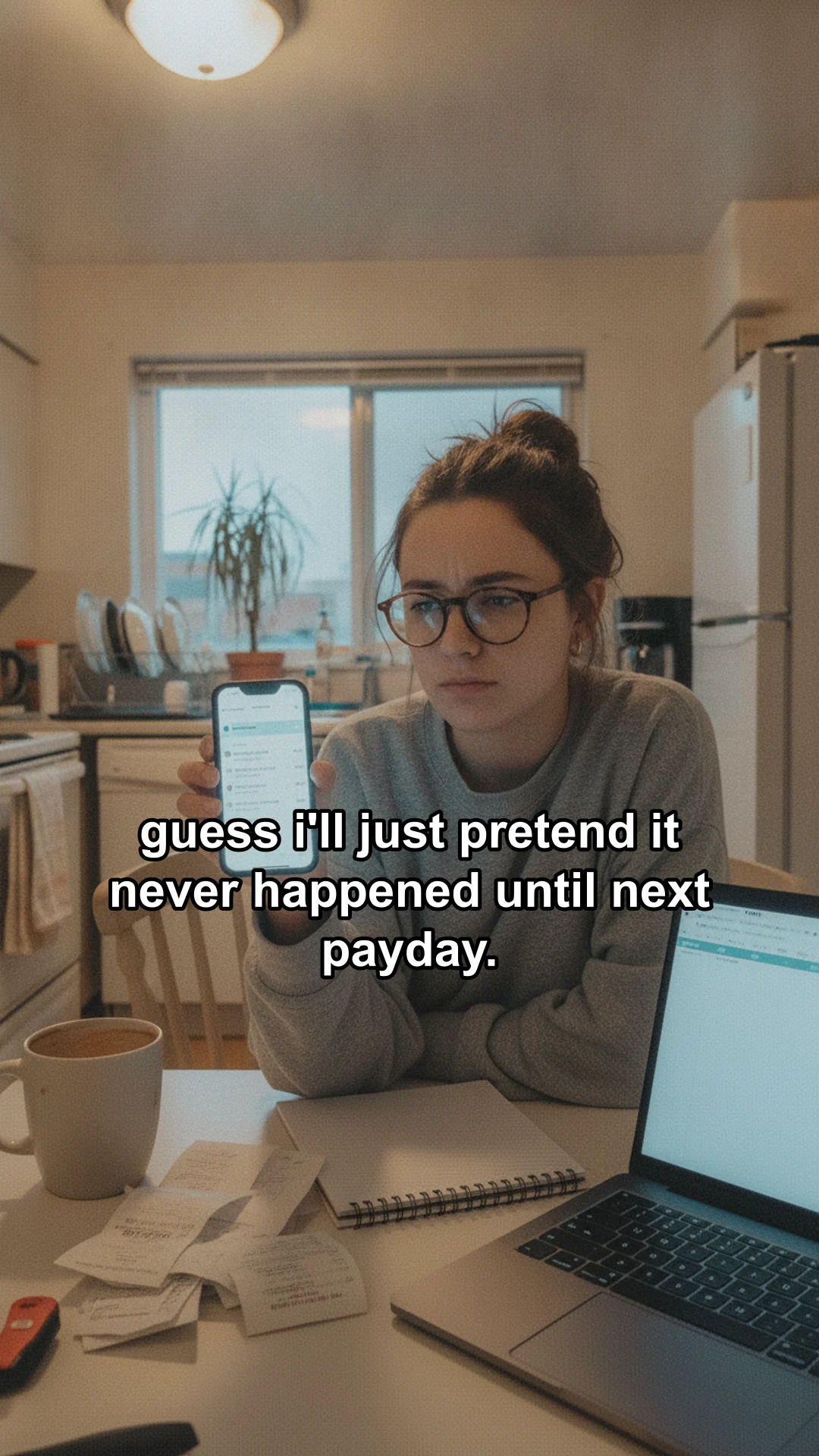
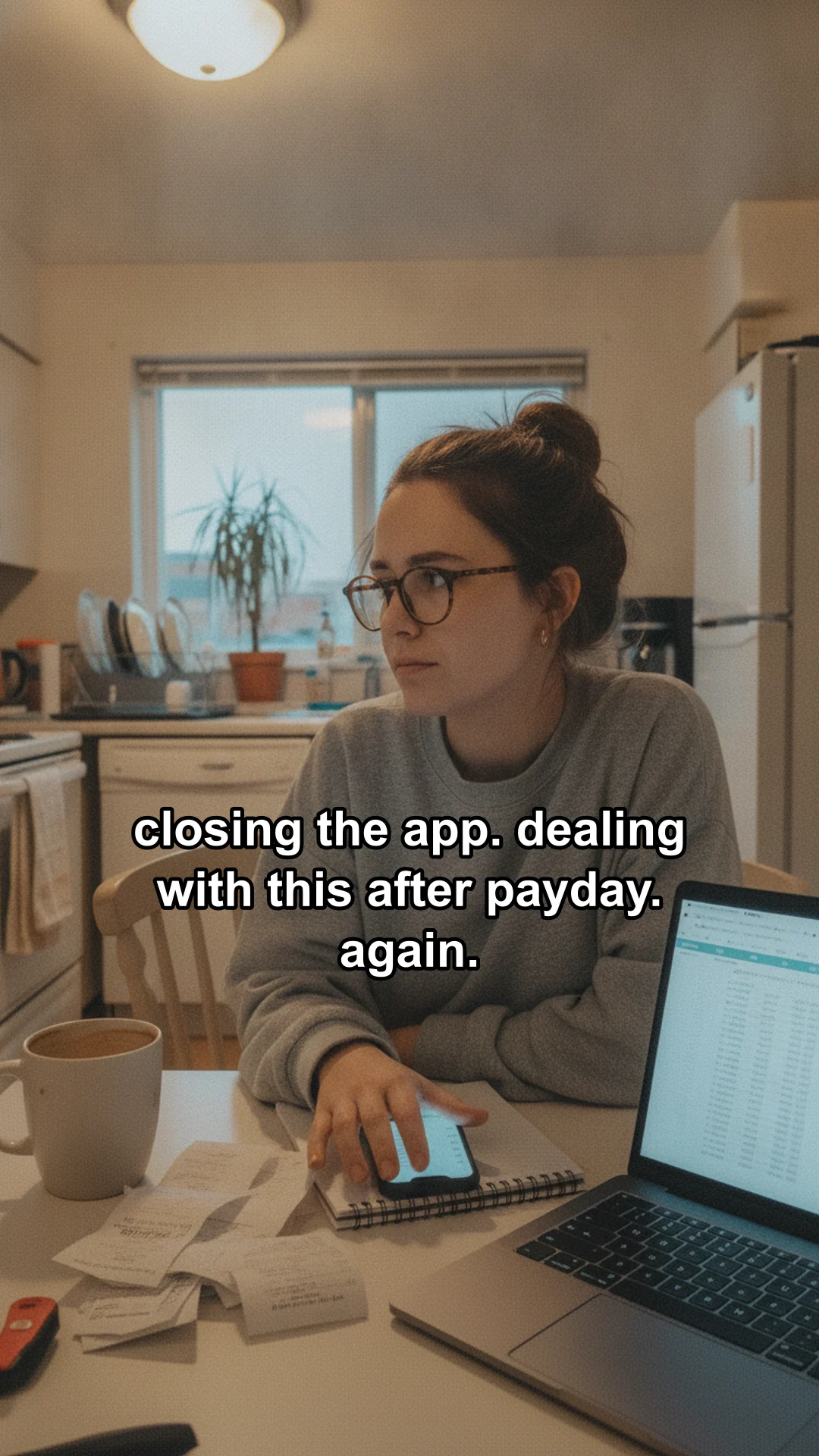
Dani closing her banking app, caption: guess i'll just pretend it never happened until next payday.

caption.txt

It's the 28th, which means it's my favorite monthly game of 'where did my money go?' I'm trying a budgeting app to give every dollar a job, hoping it helps me finally crack the code on these mystery spending sprees. What's your secret to actually knowing where your money goes? #budgetingwoes #whereismymoney

Made by Hookslide for two sample apps, including both recurring characters. Not affiliated with any brand.

  • Researched from your landing page

    Pains are phrased the way your users would say them, never features your page does not mention.
  • Same character, new hook every post

    Used hooks are remembered, so the next batch finds a fresh angle instead of repeating one.
  • Captions that start conversations

    The app shows up once, in the caption. Every post ends with a question your audience wants to answer.
  • recurring characters

    Dani, the budgeting app character, at her kitchen table
    Dani, budgeting app
    The reading app narrator's view: a green paperback and a terrier in a mustard sweater
    The reader and the dog

    Designed once from the research, then reused in every post so the account feels like one person.

For any topic

UGC style videos from one prompt

Type what the video is about. Hookslide writes a script that opens with a hook, makes a frame for each scene, voices every line, and adds slow motion and bold captions.

Made by Hookslide from the prompt on the right, voice Kore. Tap for sound.

prompt

3 cheap upgrades that make a small bedroom feel expensive

  1. 1

    Luxury with one lamp

    Did you know one cheap lamp can instantly make your small bedroom feel like a luxury hotel suite?

  2. 2

    Layer your lighting

    Forget harsh overhead lights. Add soft, diffused lighting at different heights for a truly high-end feel.

  3. 3

    Luxe bedding transforms space

    Upgrade your bedding to high-quality textures. Think linen, silk, or a thick cotton duvet.

  4. 4

    Expand space with art

    Add a large mirror or oversized art piece. It tricks the eye, making your small space appear grander.

  5. 5

    Affordable luxury awaits!

    These small changes create a high-end feel without breaking the bank.

The script Hookslide wrote for this prompt: on screen text in bold, the spoken line below it.

  • Eight voices

    Kore, Puck, Charon, Fenrir, Aoede, Leda, Zephyr and Orus. Or export silent and add a trending sound.
  • Timed to the voiceover

    Each scene lasts as long as its line, with slow push in and pull out motion.
  • Captions TikTok's buttons won't cover

    Bold text placed clear of the like button and the caption area.
  • Script first, images second

    Preview the script for free, then spend on images and voice once you like it.

What comes out

Scroll the posts like you would on TikTok

Full size, the way your viewers will see them. Swipe up for the next post and sideways through the photos. Every export includes the slides, a vertical video and a caption file.
A cozy bedroom with fairy lights, caption: cool stuff for your room you need (Part 1)
A black sunset projection lamp casting an orange glow on a bedroom wall, label: sunset projection lamp
A frosted glass mushroom lamp glowing on a nightstand with a book and tea, label: glass mushroom lamp
A tall wavy frameless mirror leaning on a pastel wall, label: wavy wall mirror

@your.storePhoto

which one are you adding to your cart first? 👀 gotta make your space feel like you! #roomdecor #aesthetic #cozyvibes
original sound

First person view of a green paperback and a terrier in a mustard sweater, caption: my dog runs my schedule, not me. reading ten pages feels impossible.
Walking the dog on a sidewalk with the book in hand, caption: tried reading on our morning walk. he pulled towards every squirrel.
The dog on the grass in front of a park bench, caption: settled on the park bench. then he needed to chase a ball. again.
The dog asleep on a duvet next to the open book, caption: now he's sleeping soundly, and i'm still stuck on page 40. friday is so soon.

@your.appPhoto

Every day I try to get my ten pages in, but it feels like a battle against the clock and my very enthusiastic terrier. I'm really trying to use the app in my bio to build a streak. How do you sneak in reading with a demanding dog? #readerstruggles #bookclubpanic
original sound

@your.brand

Who knew a few tweaks could make such a difference? Which upgrade will you try first? #BedroomMakeover #BudgetDecor #SmallSpaces

original sound
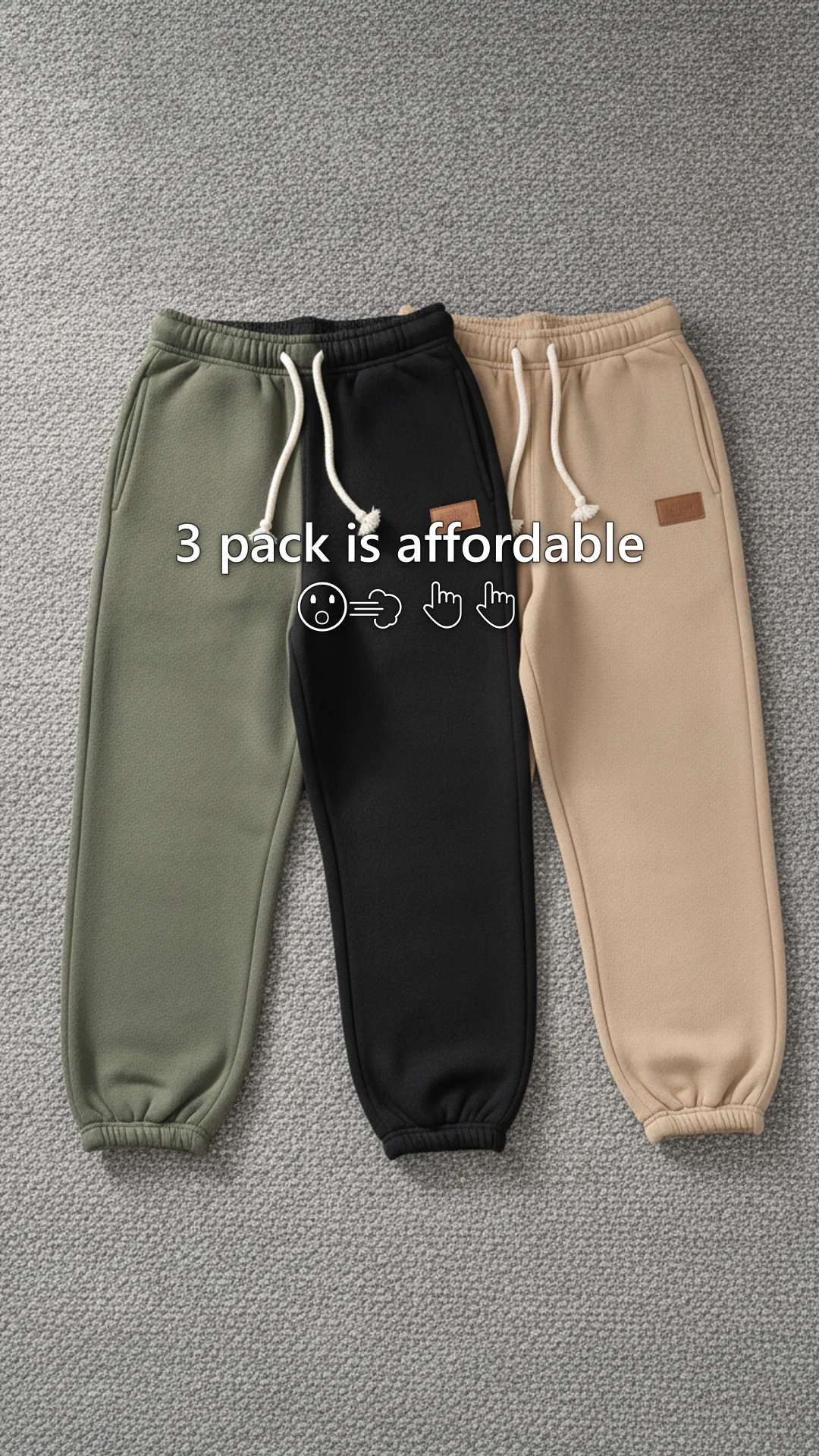
Olive, black and tan fleece sweatpants laid flat on a grey rug, caption: 3 pack is affordable
A young man walking a leafy city sidewalk in the black sweatpants, caption: comfy for city walks
The supplier photo of all three pairs on a white background
A young man on a cabin porch in the olive sweatpants with a mug, caption: best link

@your.storePhoto

fall fits ready? 🍂 these sweatpants are a must-have for cozy vibes. #cozystreetwear #fleecepants #mensfashion

original sound
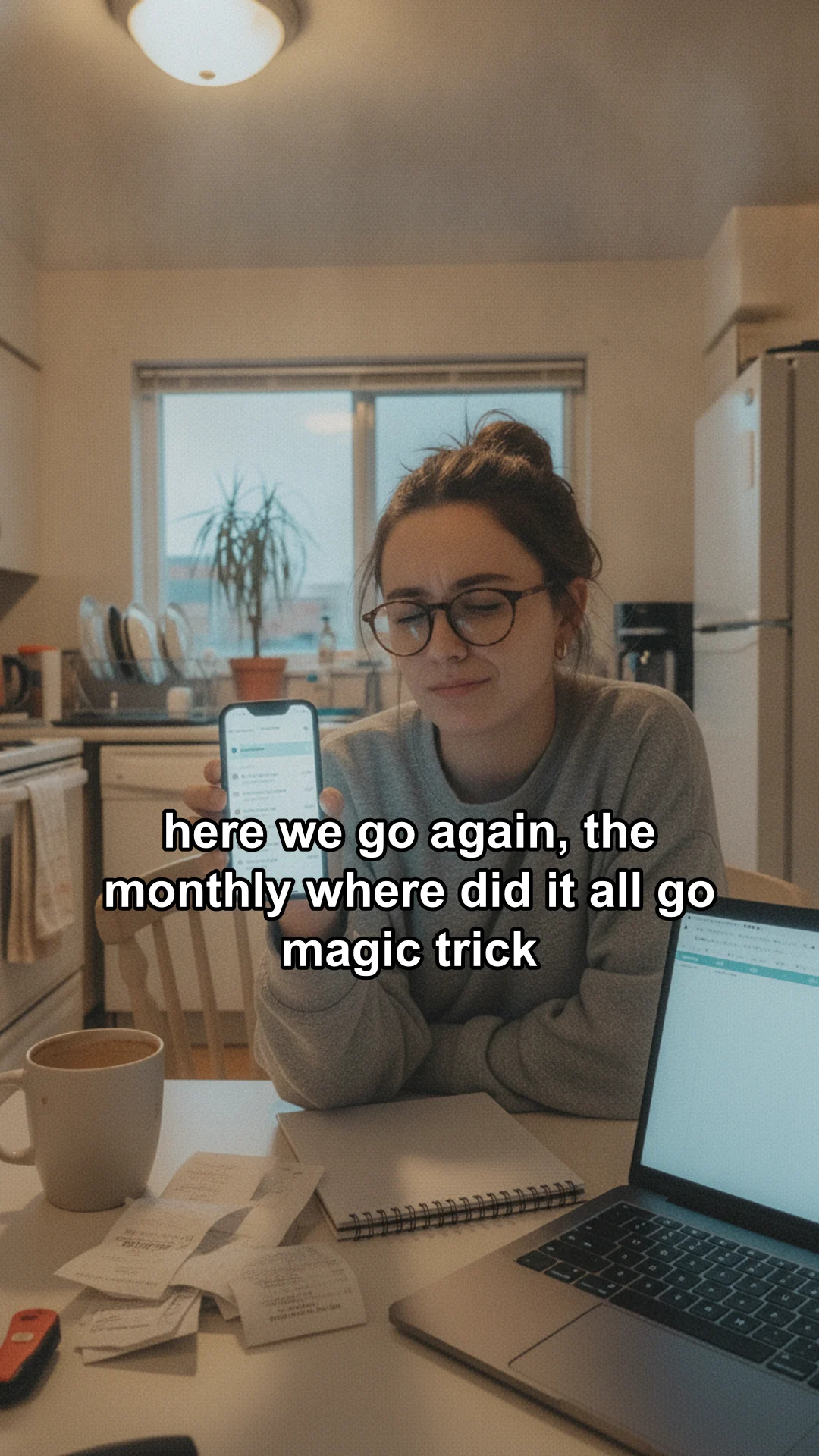
Dani at her kitchen table with her phone, caption: here we go again, the monthly where did it all go magic trick
Dani zooming in on a transaction, caption: it's never anything big, just a bunch of little things that add up
Dani pointing at her phone, caption: seriously, another $8 coffee? i don't even remember buying that.
Dani closing her banking app, caption: guess i'll just pretend it never happened until next payday.

@your.appPhoto

It's the 28th, which means it's my favorite monthly game of 'where did my money go?' I'm trying a budgeting app to give every dollar a job, hoping it helps me finally crack the code on these mystery spending sprees. What's your secret to actually knowing where your money goes? #budgetingwoes #whereismymoney

original sound
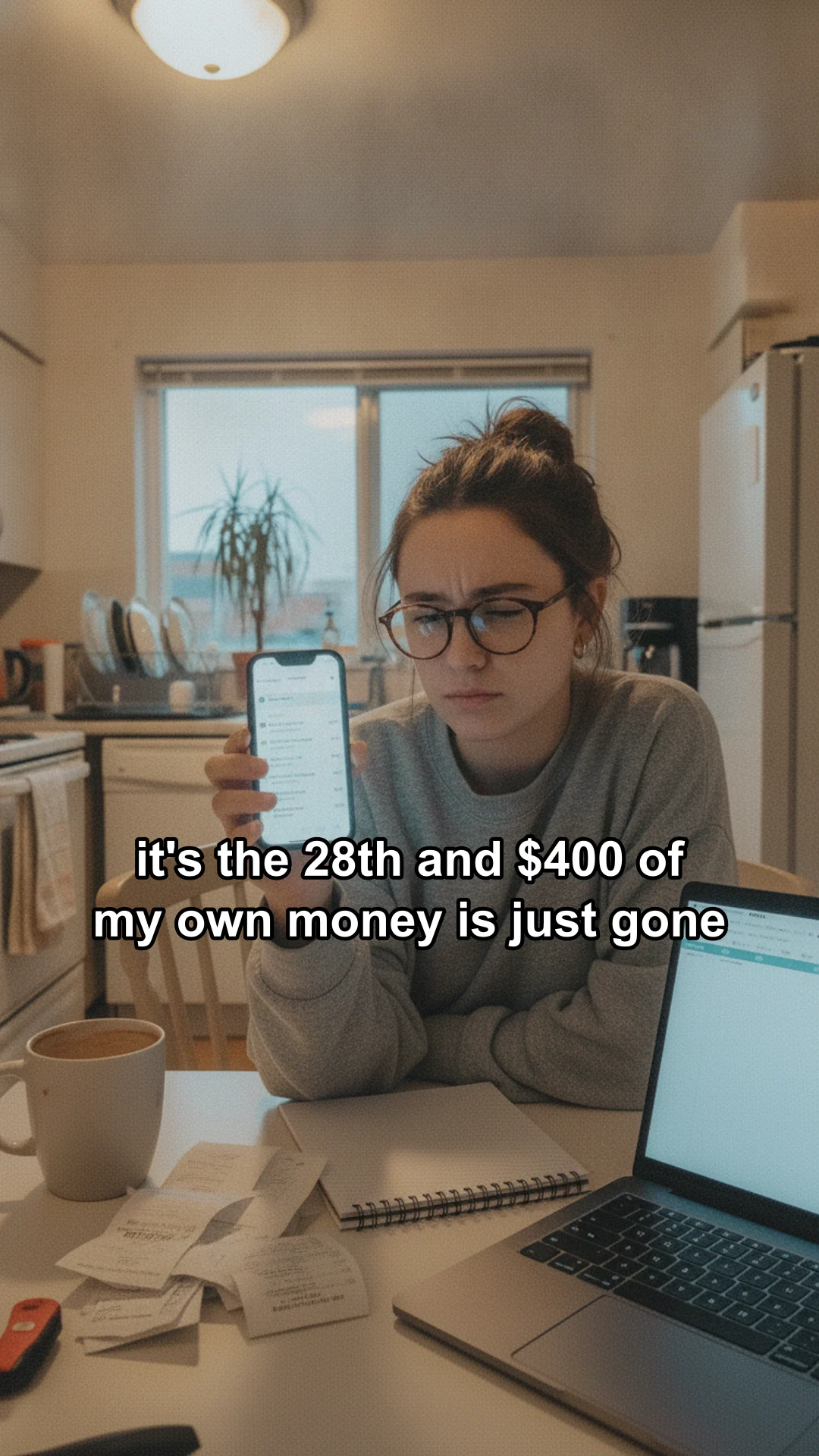
Slide 1: a woman at her kitchen table holding her phone, caption: it's the 28th and $400 of my own money is just gone
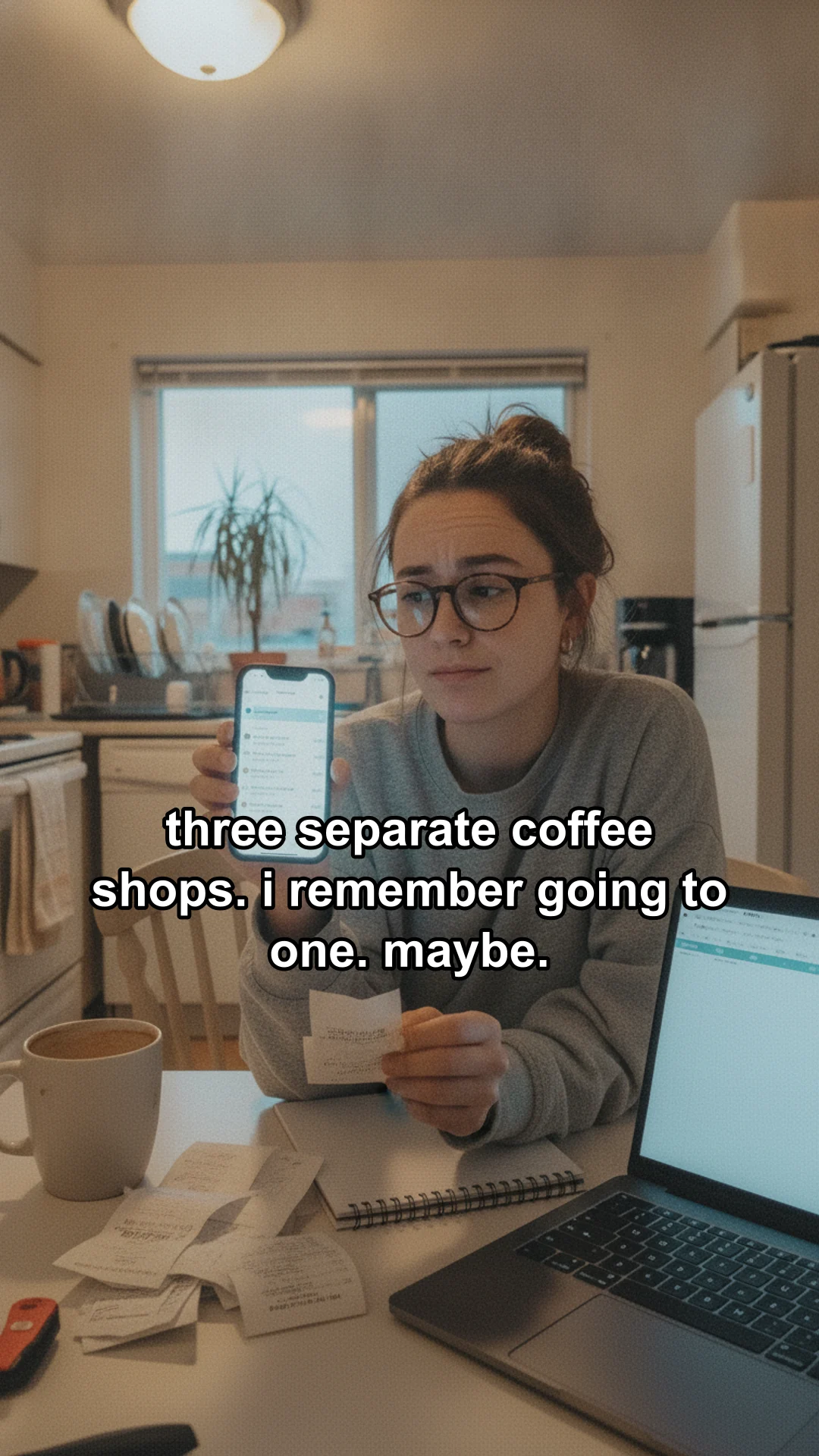
Slide 2: she checks her banking app, caption: three separate coffee shops. i remember going to one. maybe.
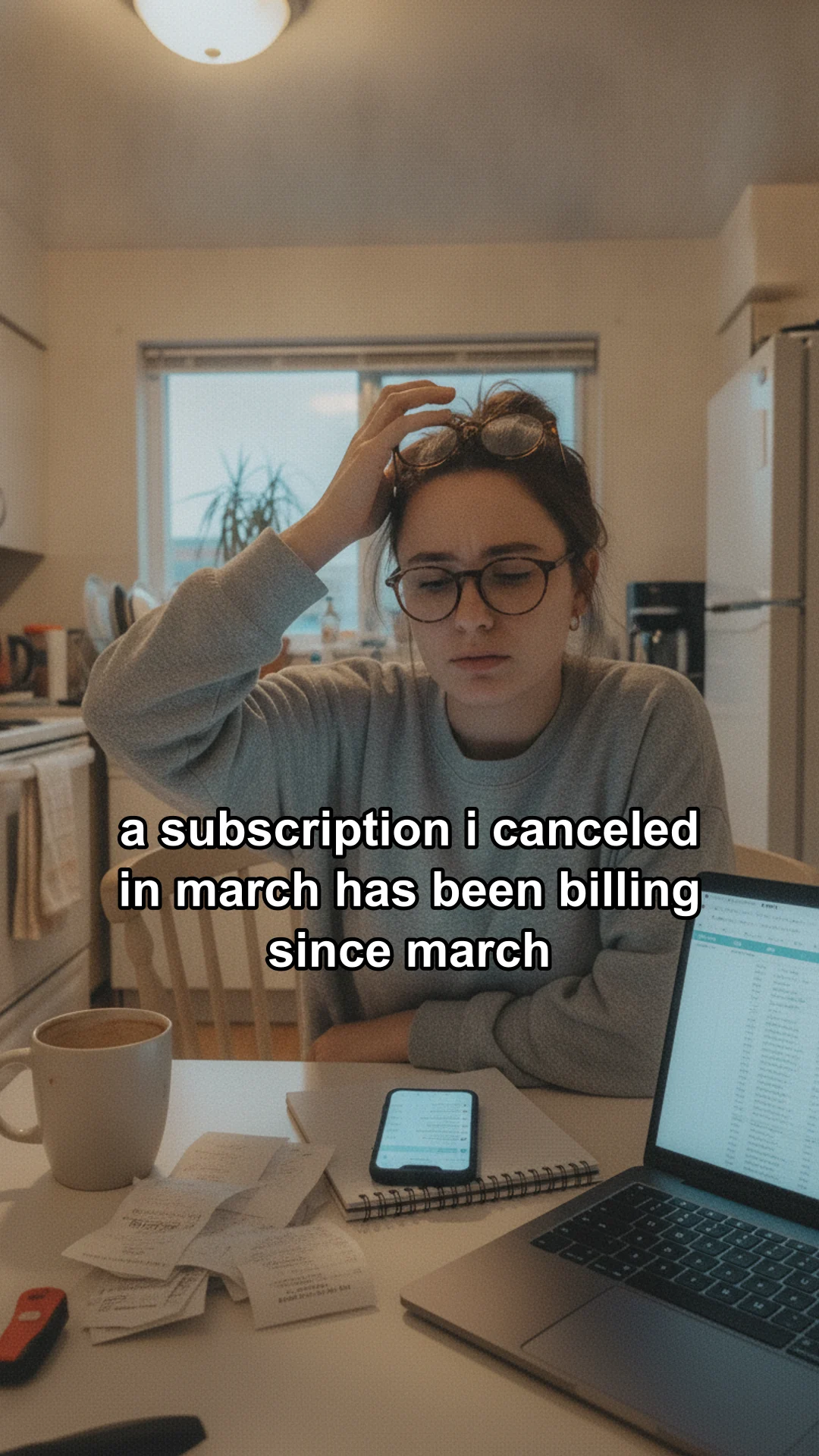
Slide 3: she pushes her glasses up in confusion, caption: a subscription i canceled in march has been billing since march
Slide 4: she looks away from her laptop, caption: closing the app. dealing with this after payday. again.

@your.appPhoto

fourth month in a row i've done this exact scroll and found nothing. how did you actually figure out where your money was going? #budgeting #personalfinance #moneytok

original sound

Post 1 of 6: Listicle series, dropshipping

Scroll inside the phone, swipe sideways through photos, or use the arrow keys.

the first slide does the selling.everything after it keeps them swiping.

Setup

Set it up once. It does the research.

Before it writes a single slide, Hookslide studies what you sell and who buys it. That brief is what every hook, scene and caption gets written against.
  1. Point it at your product

    Paste the site your web app lives on, your App Store or Google Play listing, or fill in a product card with supplier photos. Hookslide reads the whole page and drafts your name, one line pitch and the promise you make, using only claims the page actually backs up.

  2. It works out who your buyer is

    It pulls the context apart: who the product is for, what they complain about, what they want instead. Then it hands that back in your customer's own words, the way they would say it out loud, and your notes fill in anything the page leaves out.

  3. Every line gets written against that brief

    Hooks, slide text, scene prompts and captions all start from the same profile, so a batch of twenty still sounds like it was made for one person. Used angles are remembered, so the next batch looks for new ones.

  4. Pick a format, or bring one that already worksComing soon

    Start from a built in format like deal, listicle, outfit inspo or open loop story. Soon you will be able to drop in a carousel that is already winning in your niche and have its structure turned into a format of your own.

Pricing

Pay once. Use your own key.

No credits and no monthly plan. You pay Google directly for the images and voice you make, at Google's price.

Hookslide

$59

one payment

  • Product photo posts, prompt videos and app series
  • All five dropshipping templates
  • Desktop app for Windows, updates for version 1
  • Runs on your Gemini key, images cost about 3¢ each
  • Your library stays on your computer
  • One person, up to three computers
Get Hookslide for $59

Checkout by Polar, which handles tax and your receipt. Sales are final except where the law requires a refund, so look through the examples first.

Compared with credit based UGC tools

Credit based toolsHookslide
What you payAbout $10 to $100 a month$59 once, plus images on your key
A year on a $24.50 plan$294.00$59 + about $4 per 100 images
When you stop payingCredits stopYou keep the app
Built aroundTalking avatar adsSlideshows and videos of your own product

Monthly prices from public pricing pages of popular AI UGC tools, checked September 16, 2026.

A four slide post makes up to four images, about 13¢ with the default model. You can pick sharper, pricier Gemini models in Settings. A six scene video adds six short voice clips. Hookslide shows the estimate before every batch.

FAQ

Questions before you buy

Do I need to know how to code?

No. Hookslide is a desktop app for Windows: you install it, add products, pick templates and download posts. The only technical step is pasting one Gemini API key during setup, and Hookslide walks you through it.

What is a Gemini key and what does it cost?

It is a key from Google AI Studio that lets Hookslide use Google's image and voice models on your own account. Turn on billing or prepaid credits for it. Images cost about 3¢ each with the default model, so a four slide post is about 13¢. You can choose other Gemini models in Settings. Hookslide checks your key and tells you exactly what to fix if it cannot be used.

Will the product in the scenes look like my real product?

Generated scenes are anchored to your reference photos and instructed to copy the item exactly. AI can still change small details, so check every slide before posting and keep at least one real photo slide. Hookslide warns you when a product has no reference photo.

Does Hookslide post for me?

Not yet. You download the slides, the video and the caption, then post them in TikTok, where you can also add a trending sound. Scheduling is on the roadmap.

Can I use it for TikTok Shop and Reels?

Yes. Slides export as 9:16 images for TikTok photo mode, and every post also comes as a vertical video for Reels and Shorts. Follow each platform's rules: show the real product and label AI content.

Is the content labeled as AI?

Turn on the platform's AI generated content label when you post. Hookslide reminds you, and its captions never pretend to be reviews from real customers.

Does it work for software, not just physical products?

Yes. Paste your app's link and Hookslide builds a slideshow series around the problems your users have, with your app named in the caption.

What do I get for the one payment?

The full app for Windows, every template, and updates for version 1, for one person on up to three computers. You only pay Google for the images and voice you generate.

Where are my posts stored?

On your computer. Your products, photos and posts are saved inside the app and never uploaded to us. Back up your library from Settings whenever you like.

What do I need to run it?

Windows 10 or 11 (64 bit). A Mac version is coming. An internet connection while you make posts, and a Gemini API key with billing or prepaid credits.

Can I use it on a new computer, or for clients?

Yes. One license covers one person's work, including client work, on up to three computers. Free a computer with Move to another computer in Settings, then restore your backup on the new one.

Can I get a refund?

Except where the law gives you a right to a refund, or Polar, which sells Hookslide on our behalf, issues one, sales are final: Hookslide is a digital product you can use right away. A refunded purchase deactivates its license key. Look through the real examples on this page and check that you can get a Gemini key before you buy.

make this week's posts
in one sitting.

Add a product, pick a template, and export a batch of slideshows and videos before your coffee gets cold.

Get Hookslide for $59